Checking Out
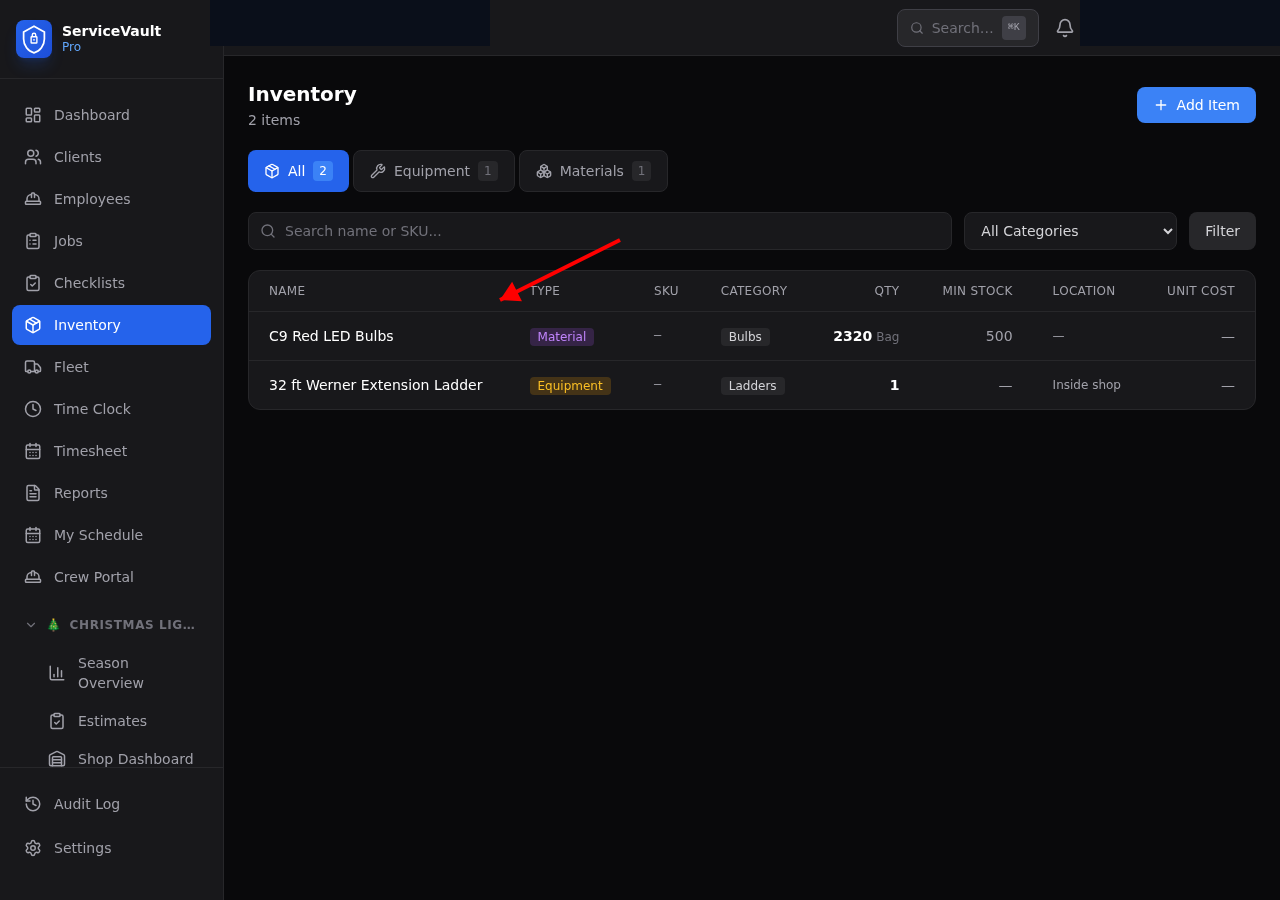
- Go to the inventory item's page
- Click Check Out
- Enter the quantity and select the employee/job
- The inventory count decreases automatically
Checking In
Same process — click Check In and enter the quantity returned. Inventory count increases.
Low Stock Alerts
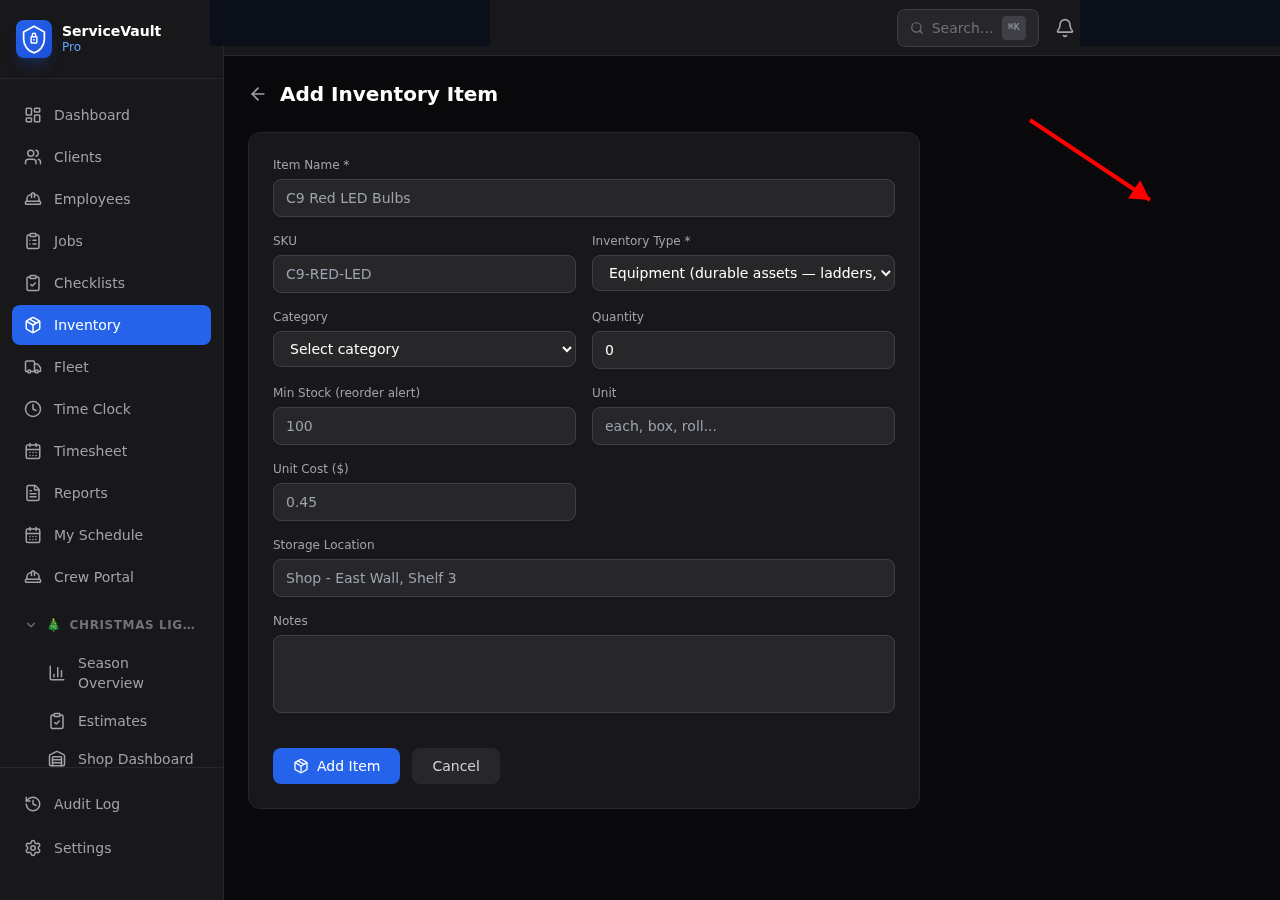
Set a minimum stock level on each item. When stock drops below the minimum, you'll see it on the Dashboard and get a notification.