Create a Job
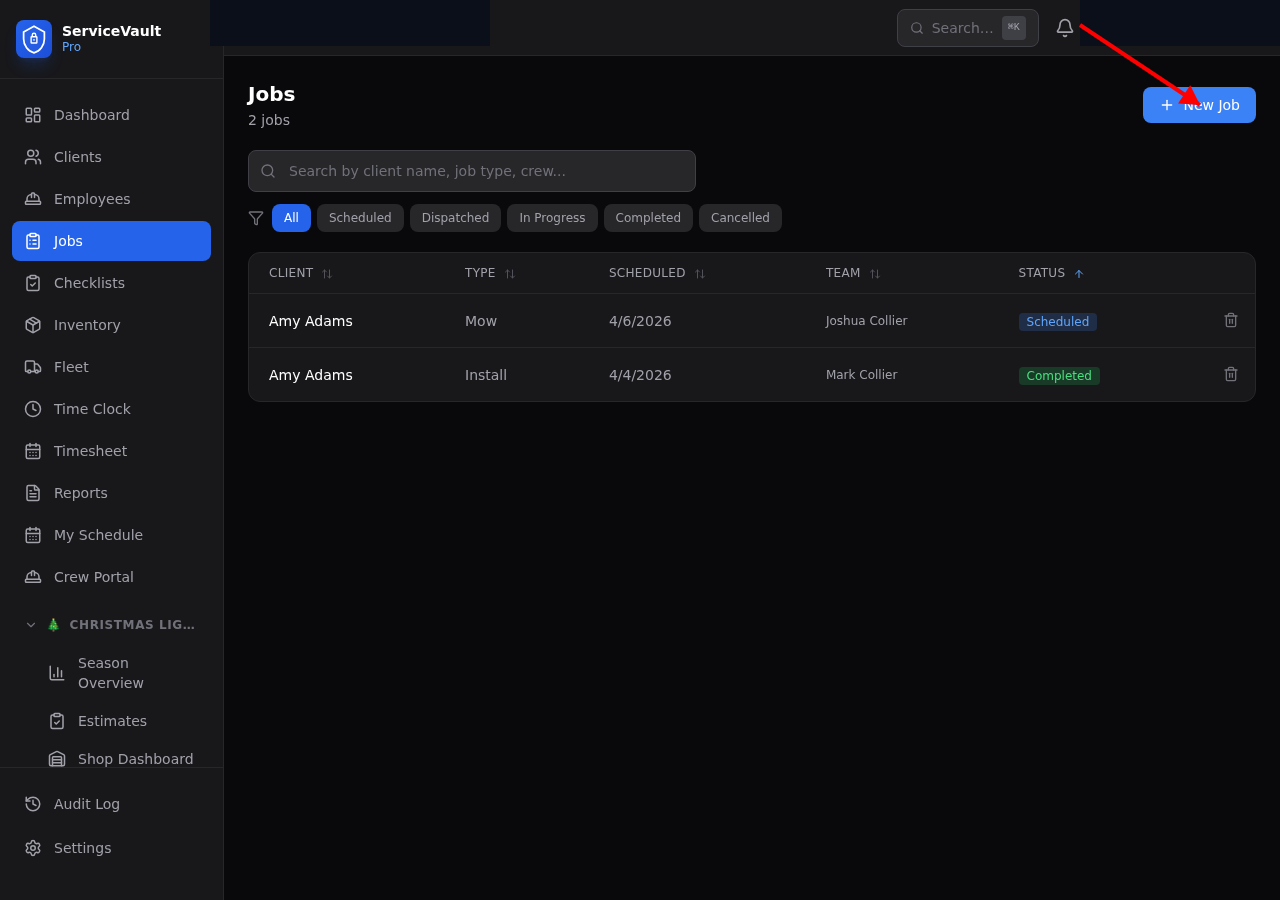
- Go to Jobs in the sidebar
- Click New Job
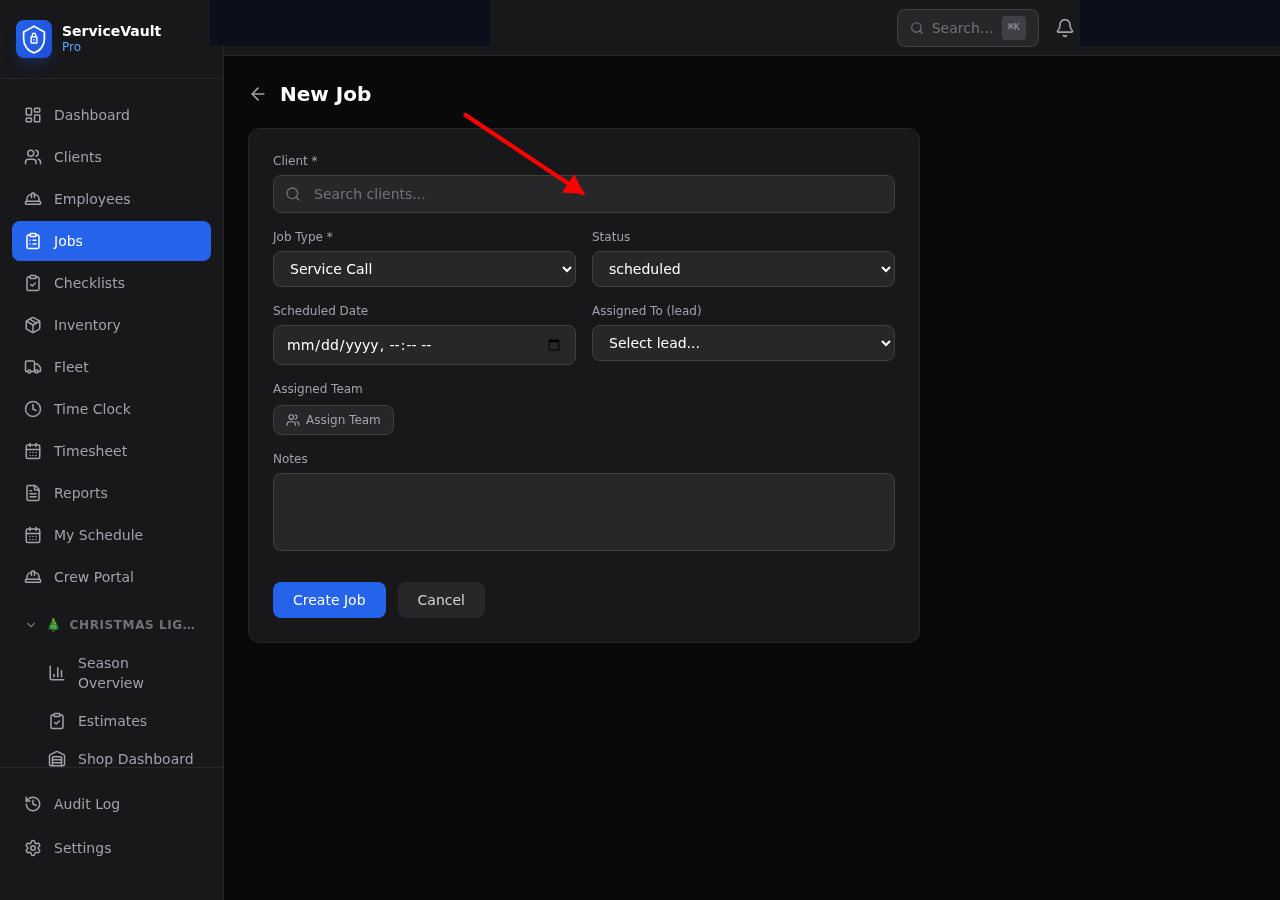
- Select the client, job type, scheduled date, and assigned crew
- Add any notes
- Click Create
Job Status Workflow
Jobs move through these statuses:
- Scheduled → Dispatched → In Progress → Completed
- Jobs can also be Cancelled at any stage
Bulk Status Changes
Select multiple jobs with checkboxes and change their status all at once from the action bar.