Searching
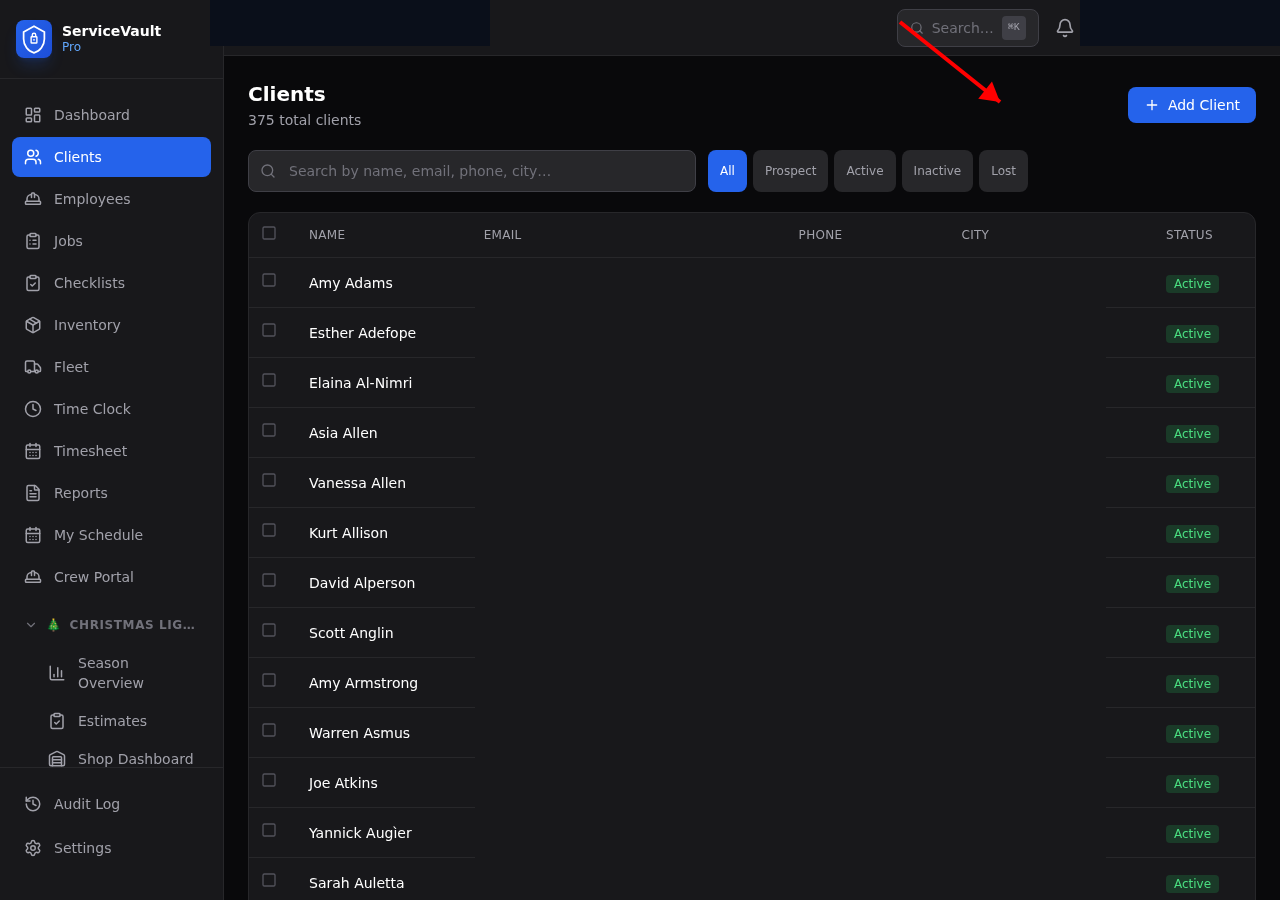
Use the search bar at the top of the Clients page to search by name, email, phone, or city. Results update as you type.
Bulk Export
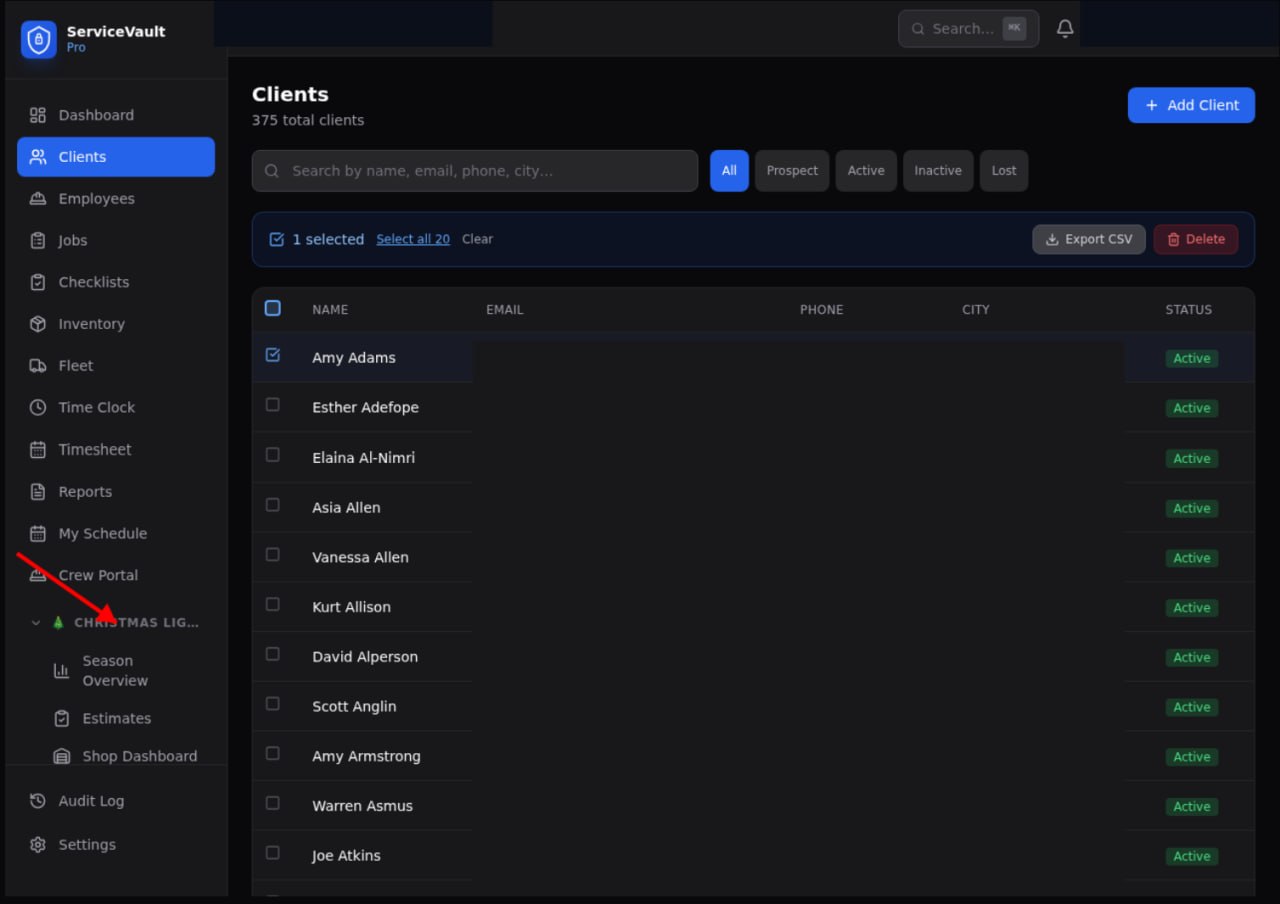
- Select clients using the checkboxes
- Click Export CSV in the blue action bar
- A CSV file downloads with all selected client data
Bulk Delete
Select clients and click Delete in the action bar. You'll be asked to confirm. Deleted clients are soft-deleted (deactivated, not permanently removed).