Reports Hub
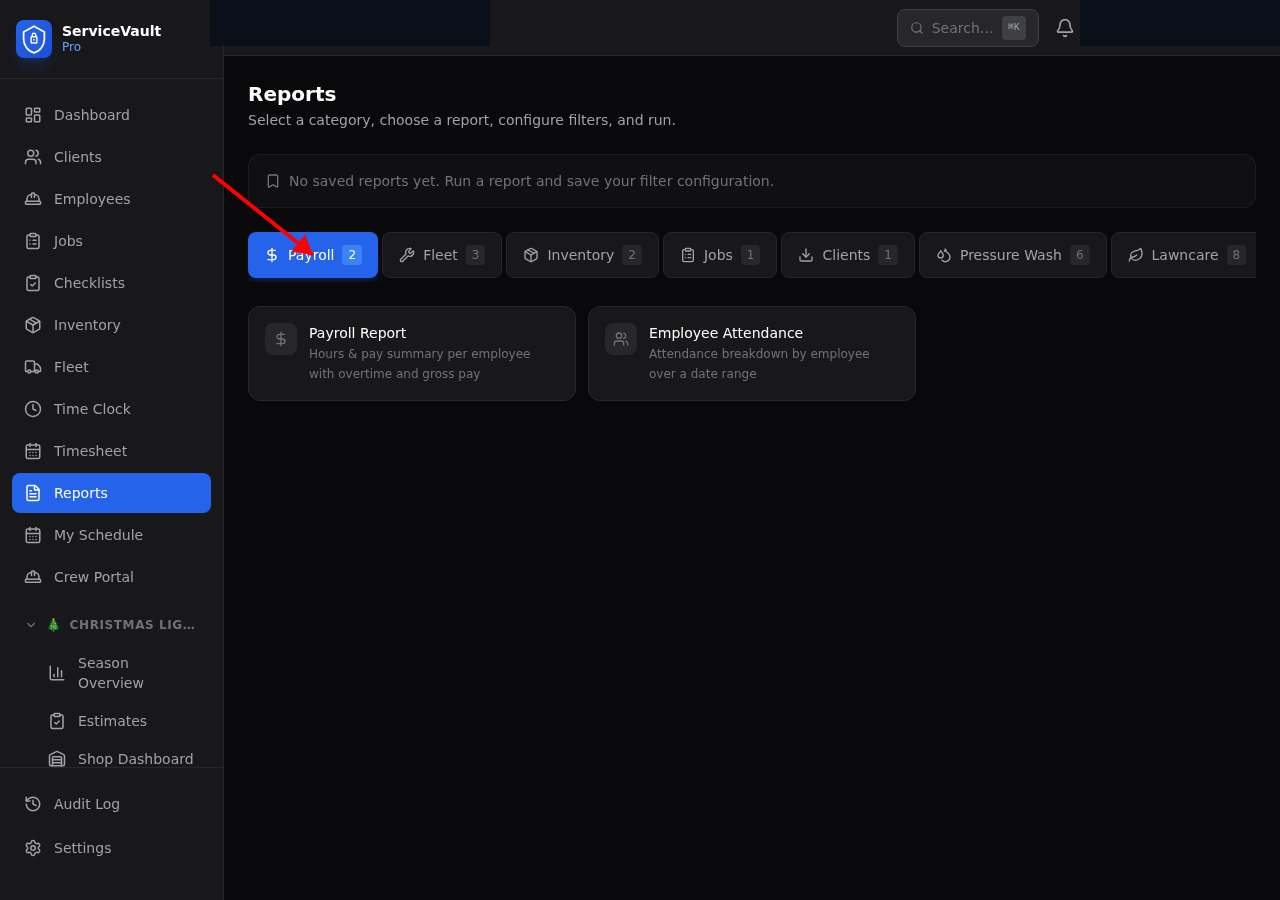
Go to Reports in the sidebar. You'll see tabs across the top:
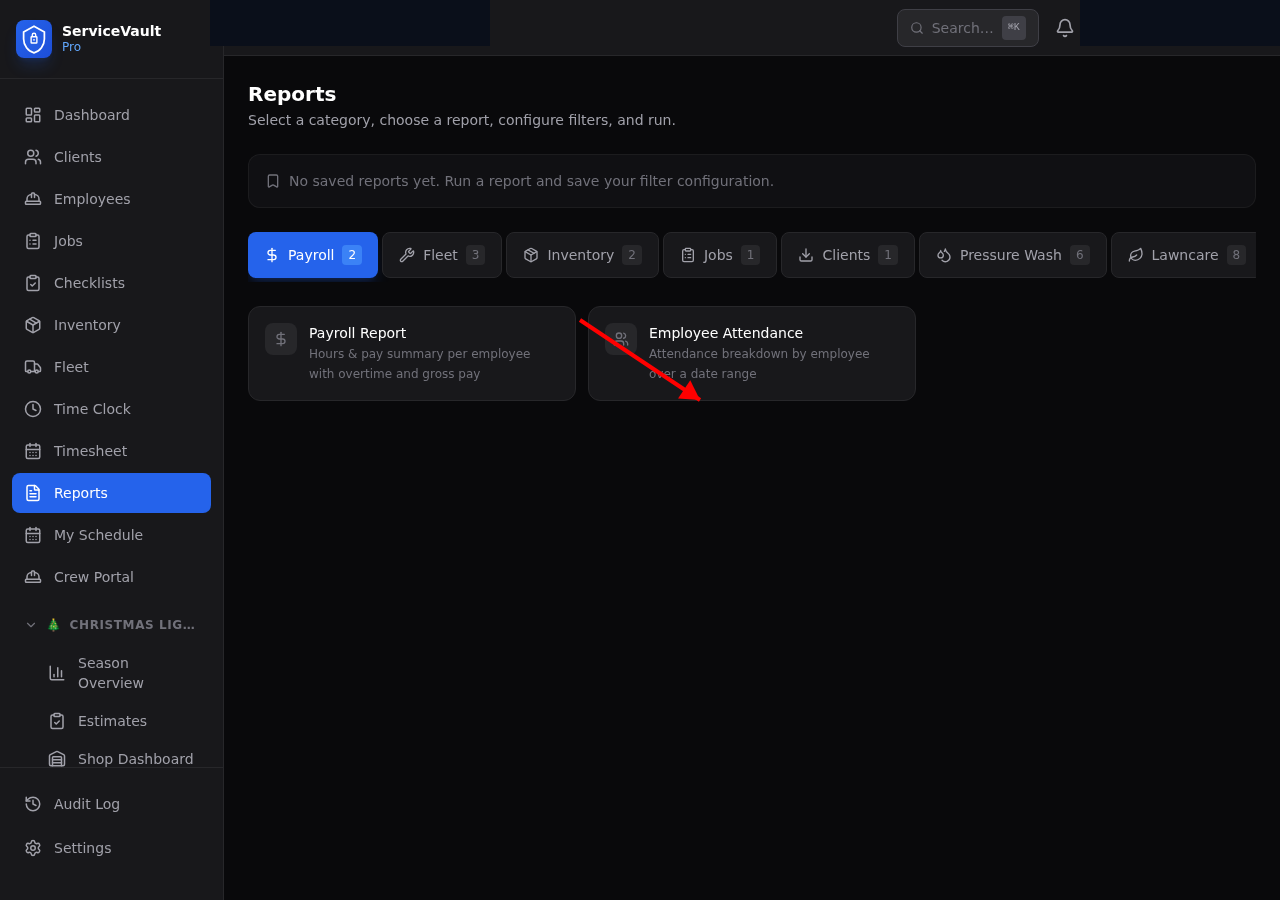
- Payroll — Payroll report, Employee attendance
- Fleet — Maintenance history, Fuel summary, Vehicle cost analysis
- Inventory — Stock status, Inventory movement
- Jobs — Job summary by status and date
- Clients — Client list export
- Pressure Wash — Chemical usage, cost per sq ft, equipment maintenance costs, revenue by service type, chemical cost trends, and SH strength tracker
- Lawncare — Revenue per client, revenue per route, cost per property, chemical usage, fertilizer completion rate, crew productivity, skipped cuts, and equipment cost per hour
How to Run a Report
- Click a tab
- Click on the report card you want
- Set your filters (date range, employee, vehicle, etc.)
- Click Run Report
- Results appear below — click CSV to download