Adding Maintenance Records
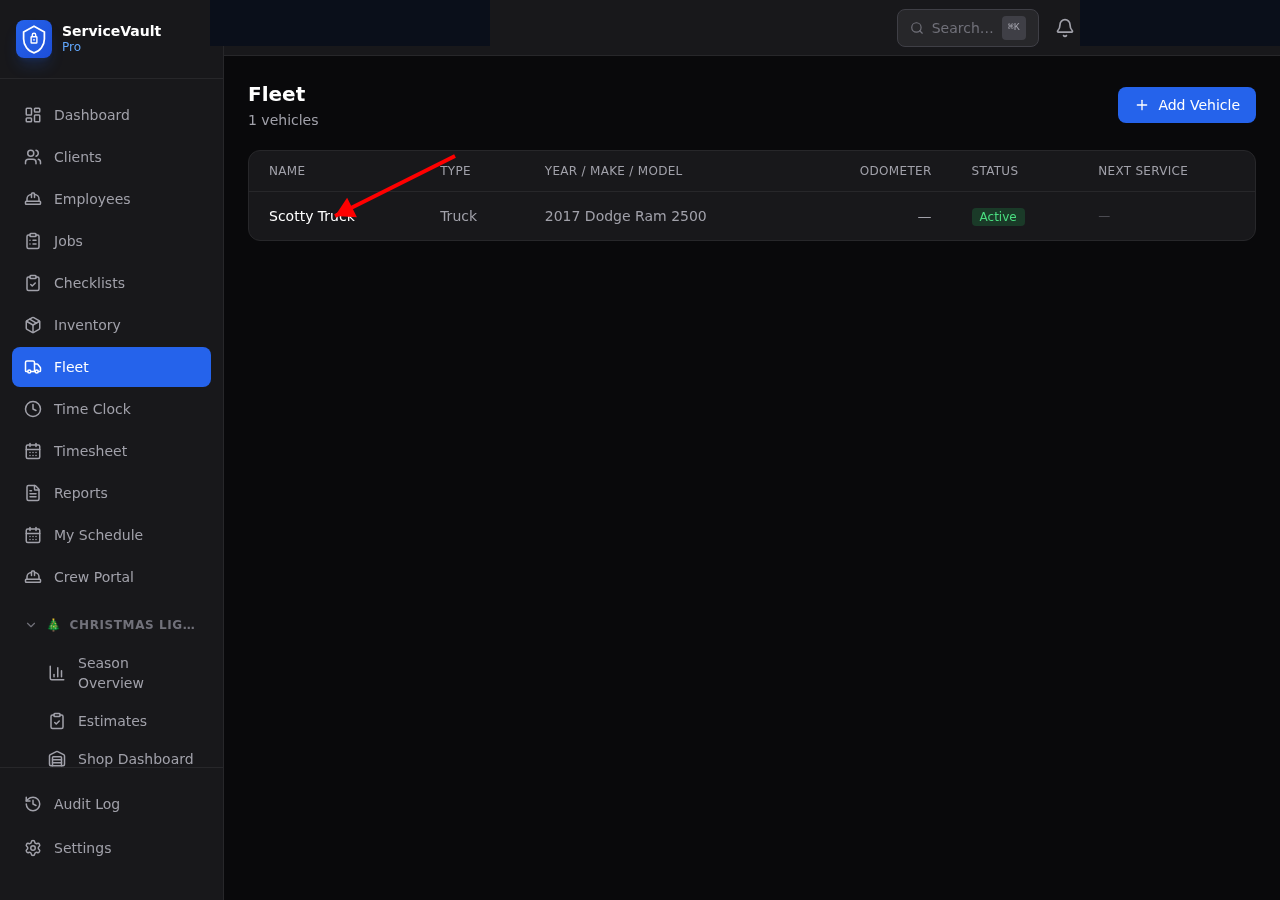
- Go to Fleet and click on a vehicle
- Scroll to the Maintenance section
- Click Add Maintenance
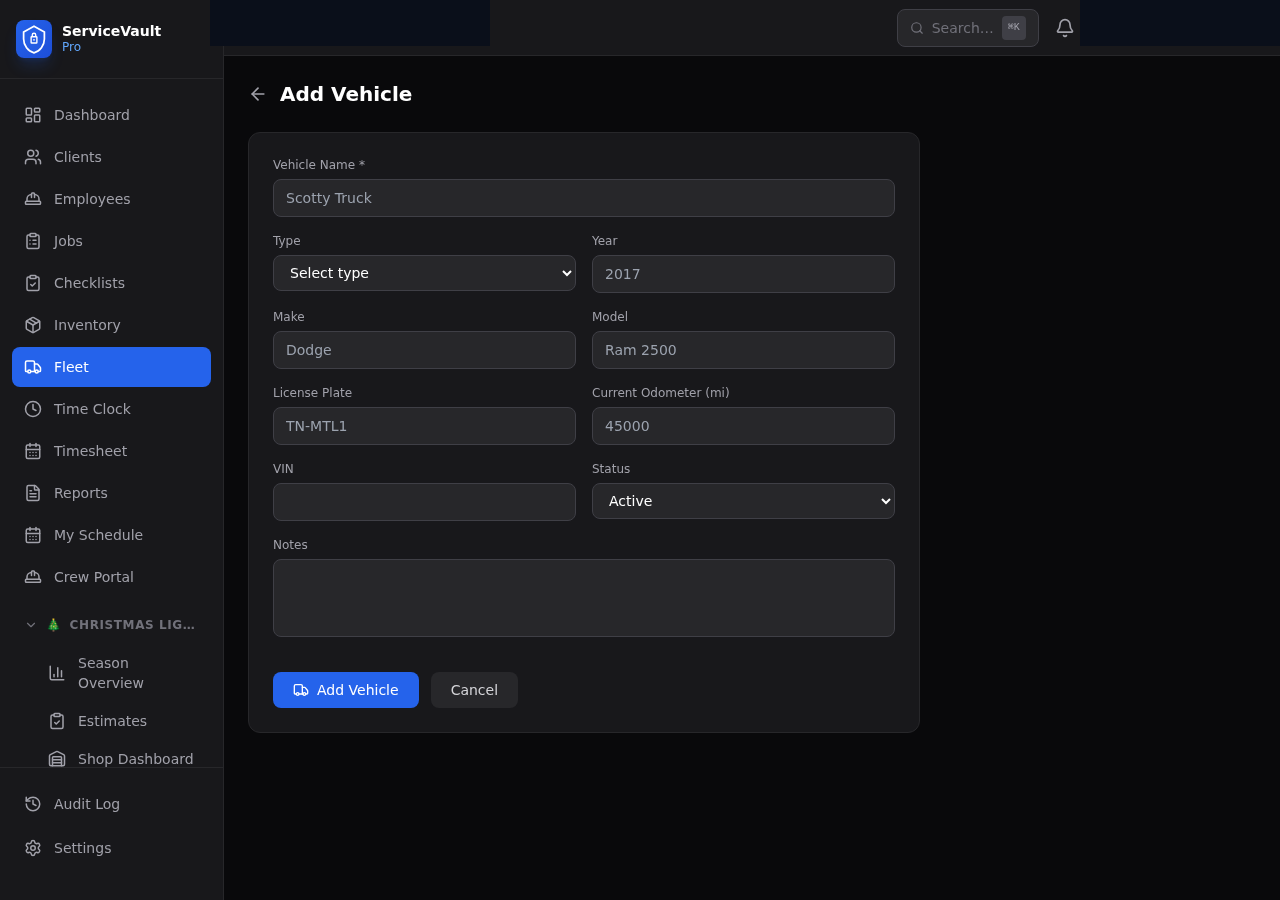
- Enter the type, cost, odometer, vendor, and notes
- Set a Next Due date for the next service
Service Due Alerts
When a vehicle's next service date is within 7 days or overdue, it appears on the Dashboard "Service Due" card in red. You'll also get a notification bell alert.