Add a Client
- Click Clients in the sidebar
- Click Add Client
- Enter the client's name, email, phone, and address
- Click Save
You can now create jobs and link them to this client.
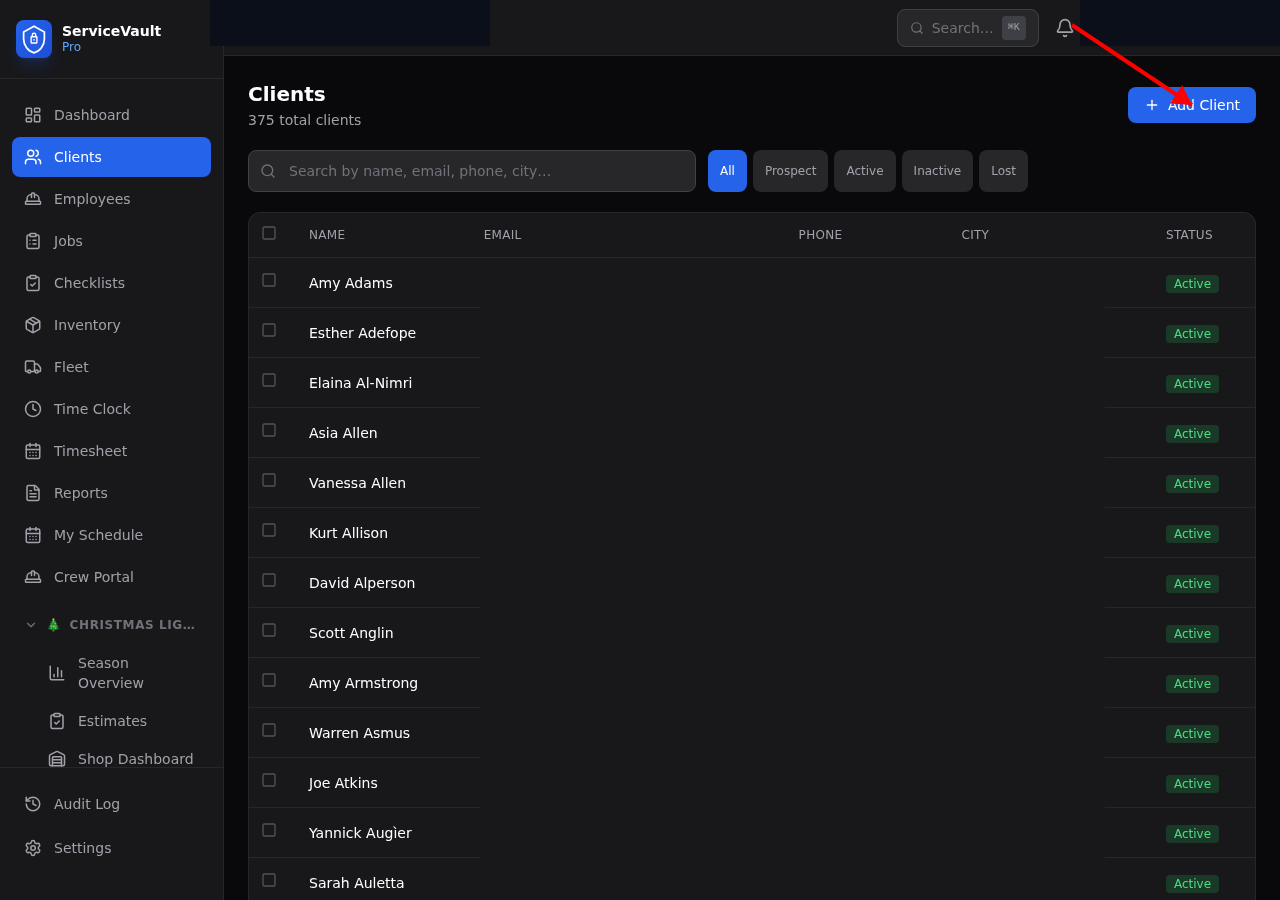
Create a client record to start tracking work.
You can now create jobs and link them to this client.