Logging In
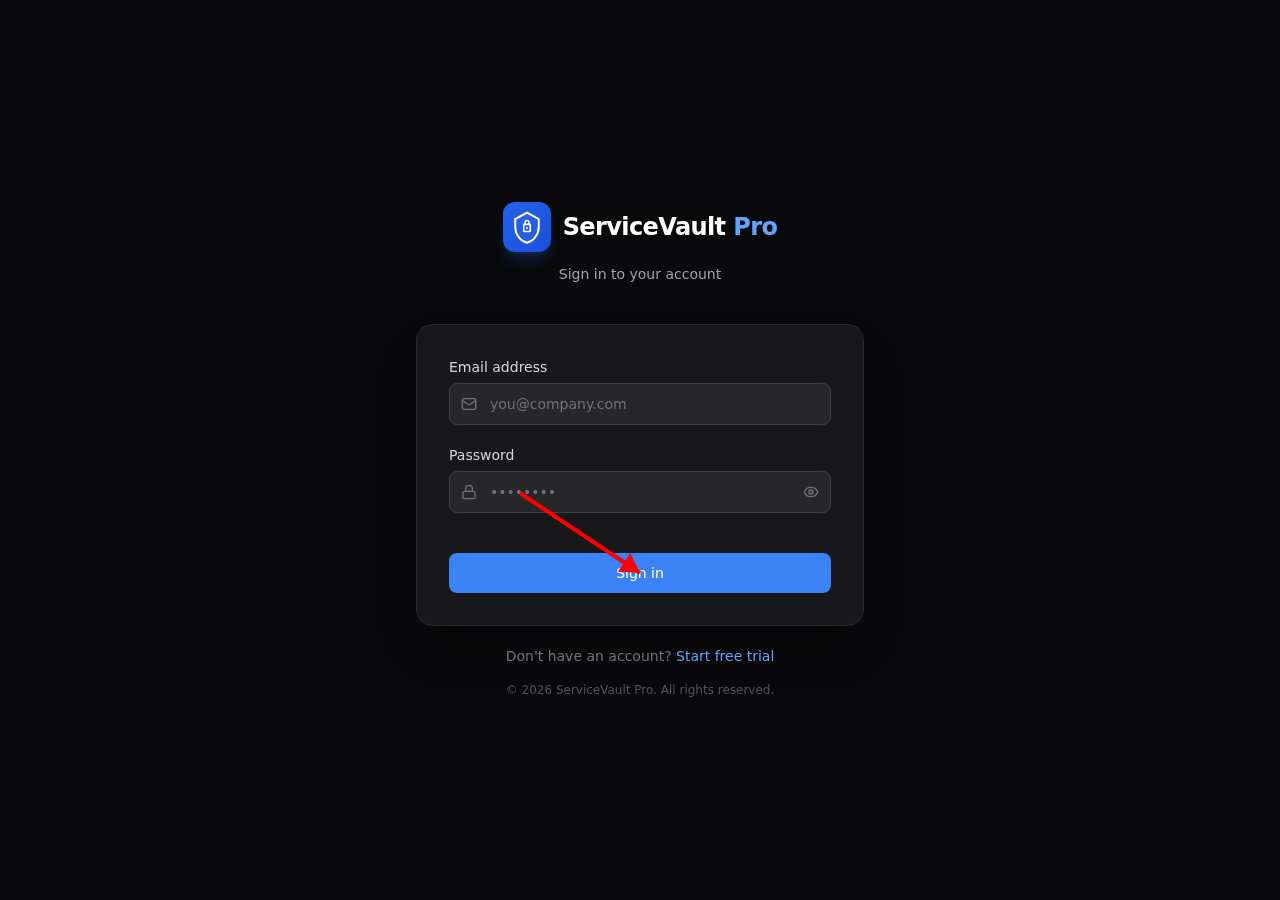
Your account administrator will create your login. You'll receive an email and password — use these at the login page.
- Go to your company's ServiceVault Pro URL
- Enter your email and password
- Click Sign In
Navigating the Dashboard
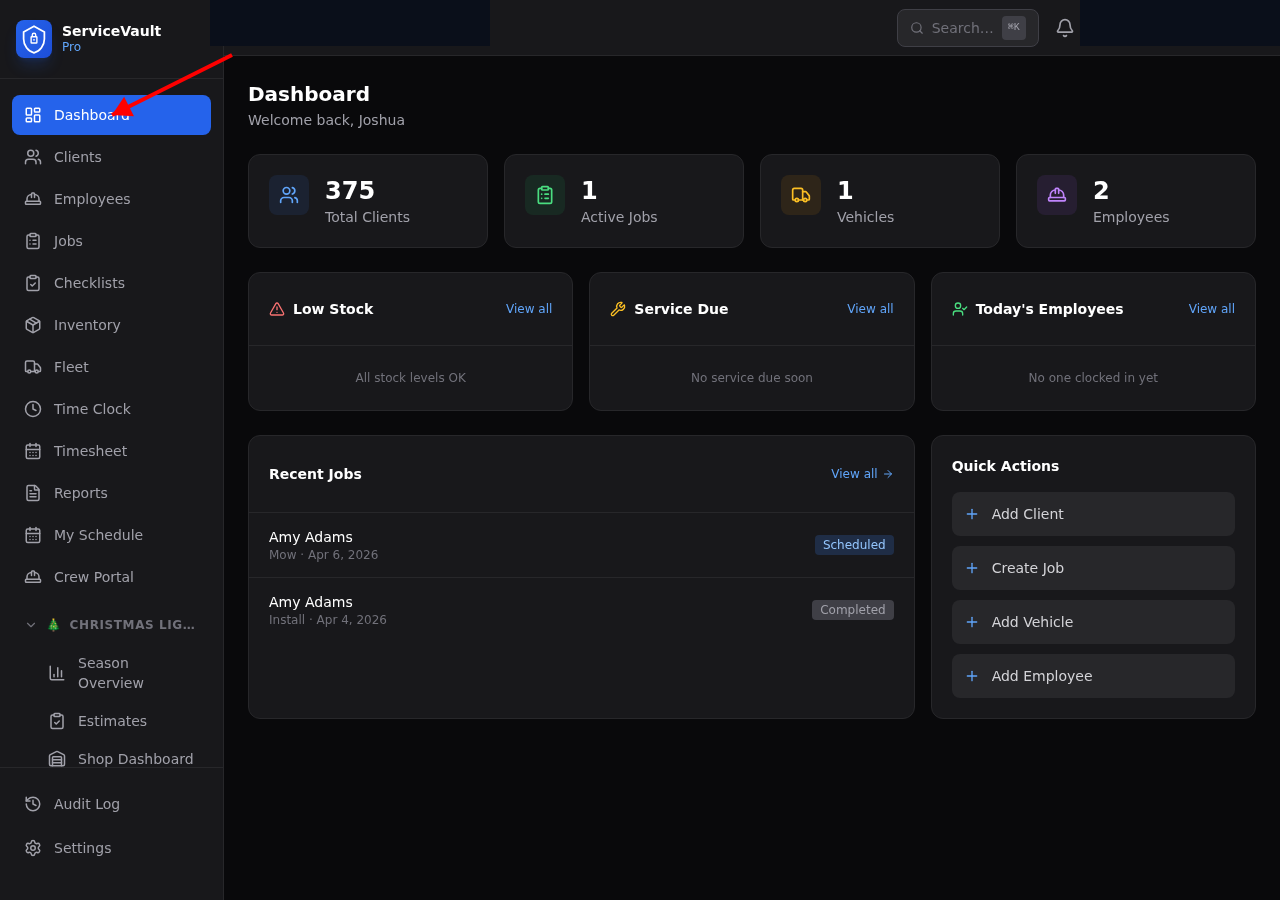
After login, you'll see the main dashboard with quick stats, low stock alerts, service due vehicles, and recent jobs. Use the sidebar on the left to navigate to different sections.
Collapsible Sidebar Sections
The sidebar is organized into collapsible sections. Click any section header (like Fleet, Crew, or Christmas Lights) to expand or collapse its sub-items. This keeps things tidy — especially if your company has multiple industry modules enabled.
Industry Modules
ServiceVault Pro supports industry-specific modules (like Christmas Lights, Pressure Washing, and more). When your admin enables a module, new sections appear in the sidebar automatically. See How to Turn Modules On/Off for details.
Mobile Access
ServiceVault Pro works on phones and tablets. On your tablet, tap "Add to Home Screen" in your browser to install it as an app — no app store needed.