Permission System
ServiceVault Pro uses granular permissions — not just fixed roles. Each user can have a custom set of permissions.
Editing Permissions
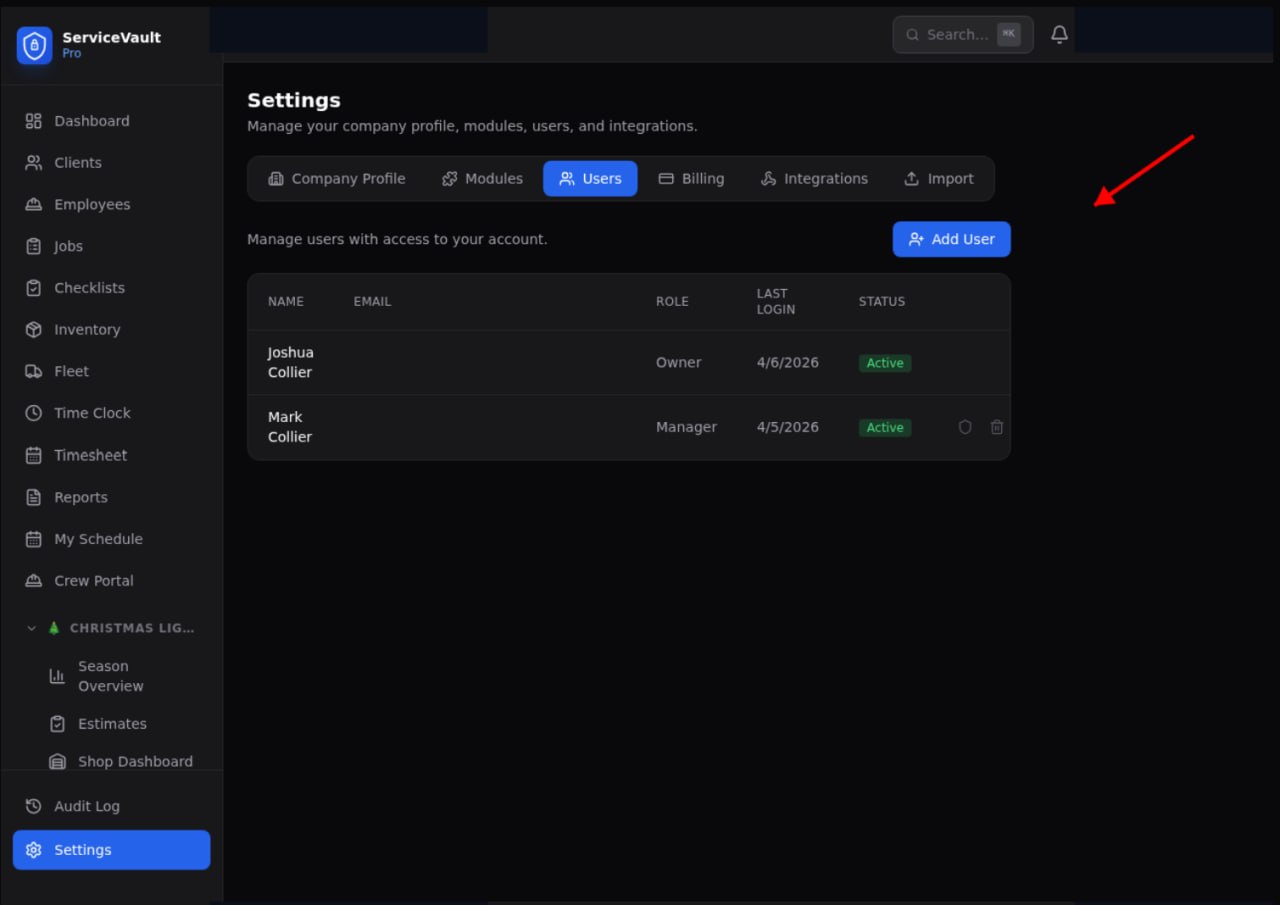
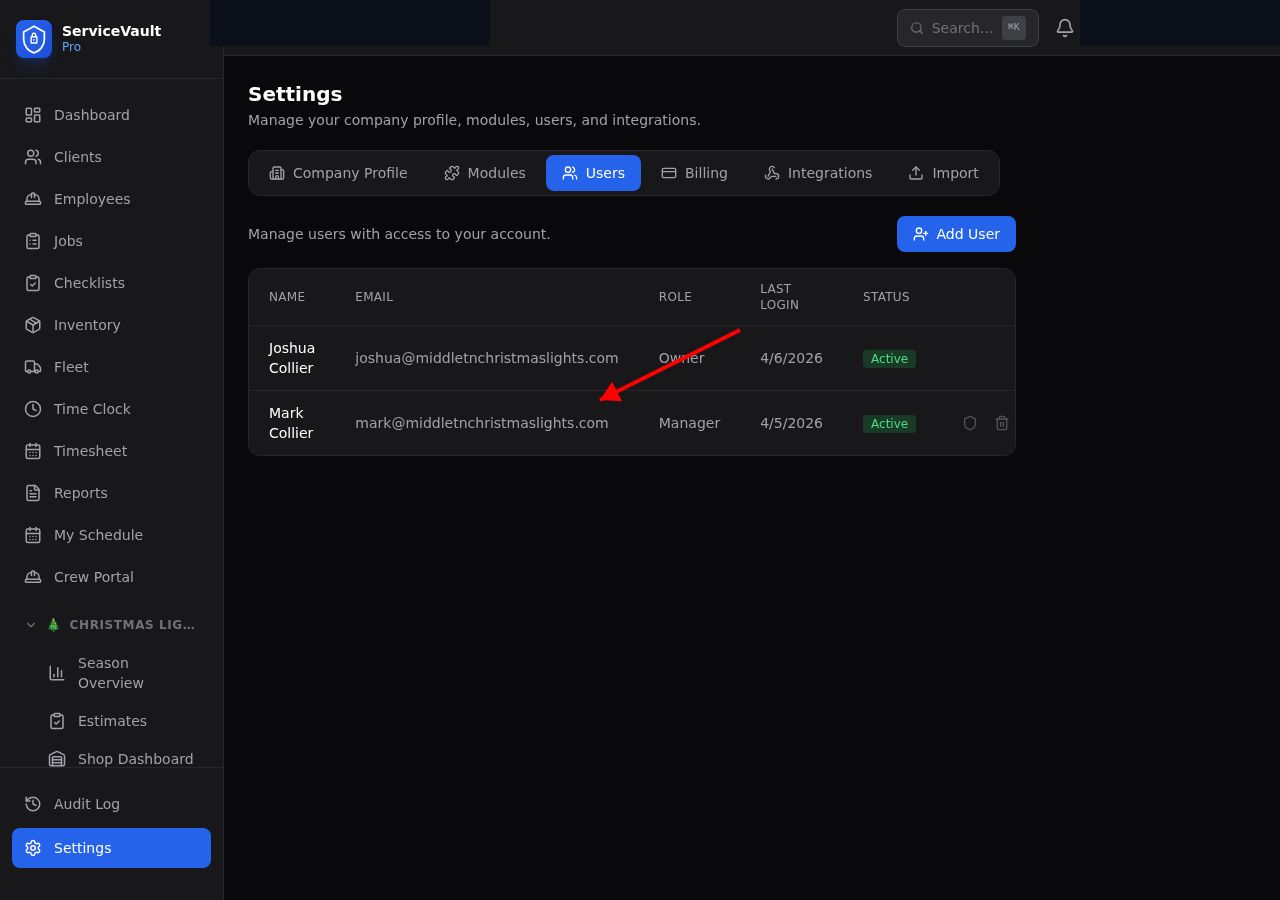
- Go to Settings → Users
- Click the shield icon next to a user's name
- Toggle Full Administrator for complete access, or customize by section
- Use Quick Presets (Manager, Office Admin, Field Employee) as a starting point
- Customize individual checkboxes as needed
- Click Save Permissions
What Gets Controlled
Every section has individual permissions: view, add, edit, delete. Some have special options like "View Assigned Jobs Only" or "View Own Pay Only."