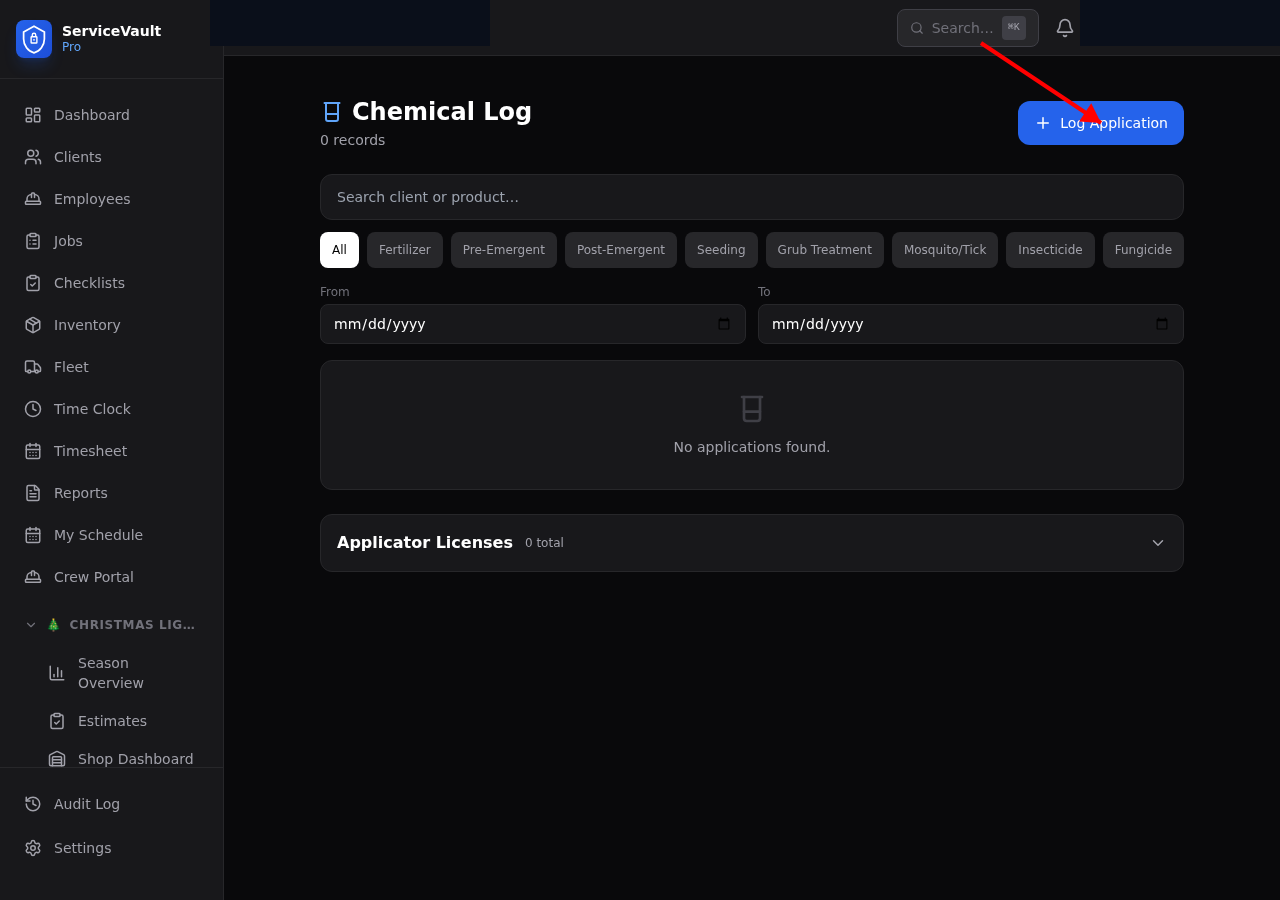
Logging an Application
- Go to Lawncare → Chemicals or click Log Application on the dashboard
- Select the client and application type (fertilizer, herbicide, pesticide, seeding, etc.)
- Enter the product name, NPK ratio (if applicable), application rate, and square footage
- Enter the total product used and cost
- Select the applicator and enter any weather conditions
- Set a follow-up date if needed (e.g., for overseeding germination check)
- Click Save
Application Types
- Fertilizer — Standard lawn fertilization
- Herbicide — Weed control pre-emergent or post-emergent
- Pesticide — Insect and pest control
- Seeding — Overseeding or bare spot repair
- Lime — Soil pH adjustment
- Aeration — Core aeration treatments
Follow-Up Reminders
When you set a follow-up date, it will appear as an alert on the dashboard when that date approaches. This ensures you check germination rates, retreat if necessary, or complete any post-application tasks.
EPA Registration Numbers
For pesticide applications, you can record the EPA registration number for compliance records. This is especially important for licensed applicators maintaining treatment logs.