Creating a Route
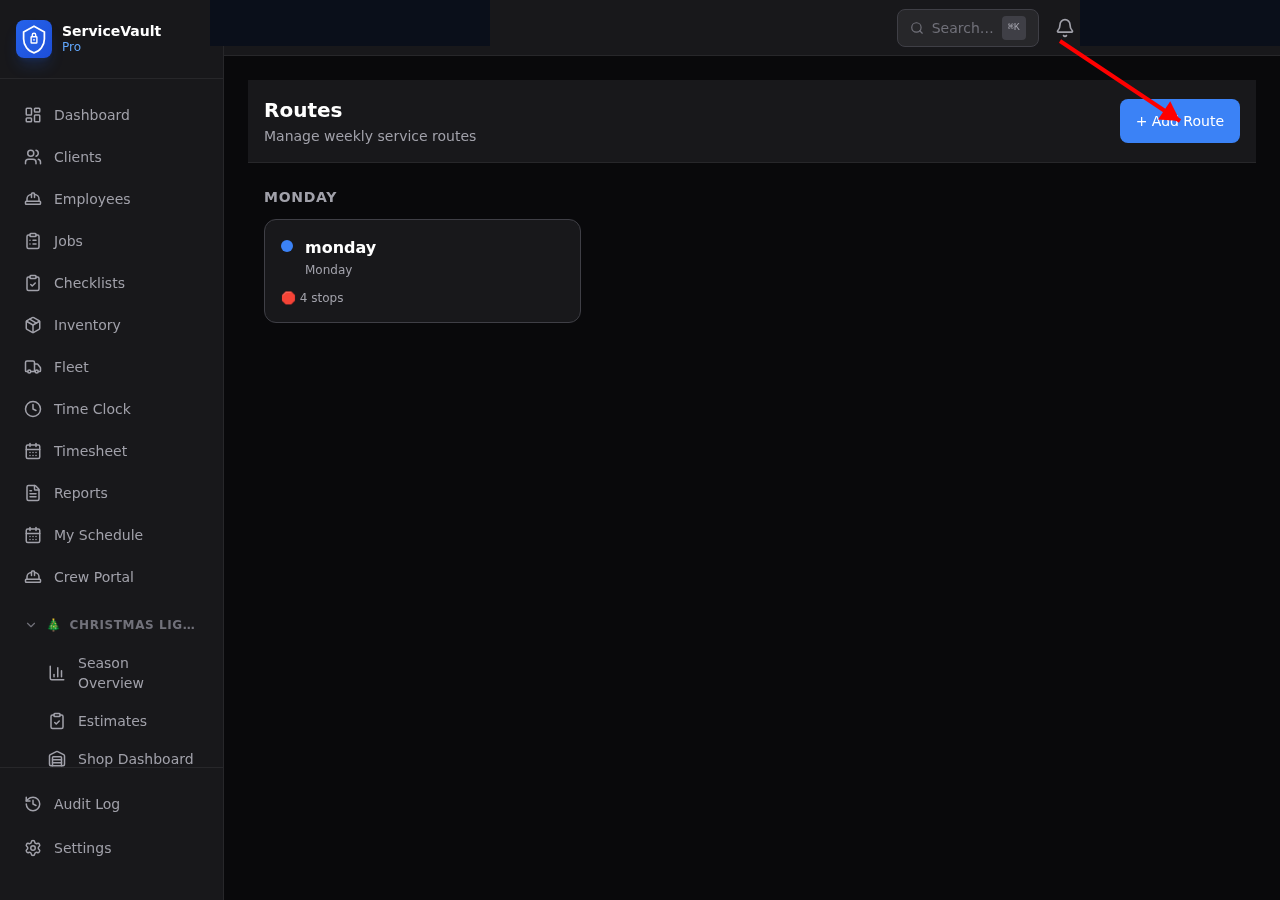
- Go to Lawncare → Routes
- Click New Route
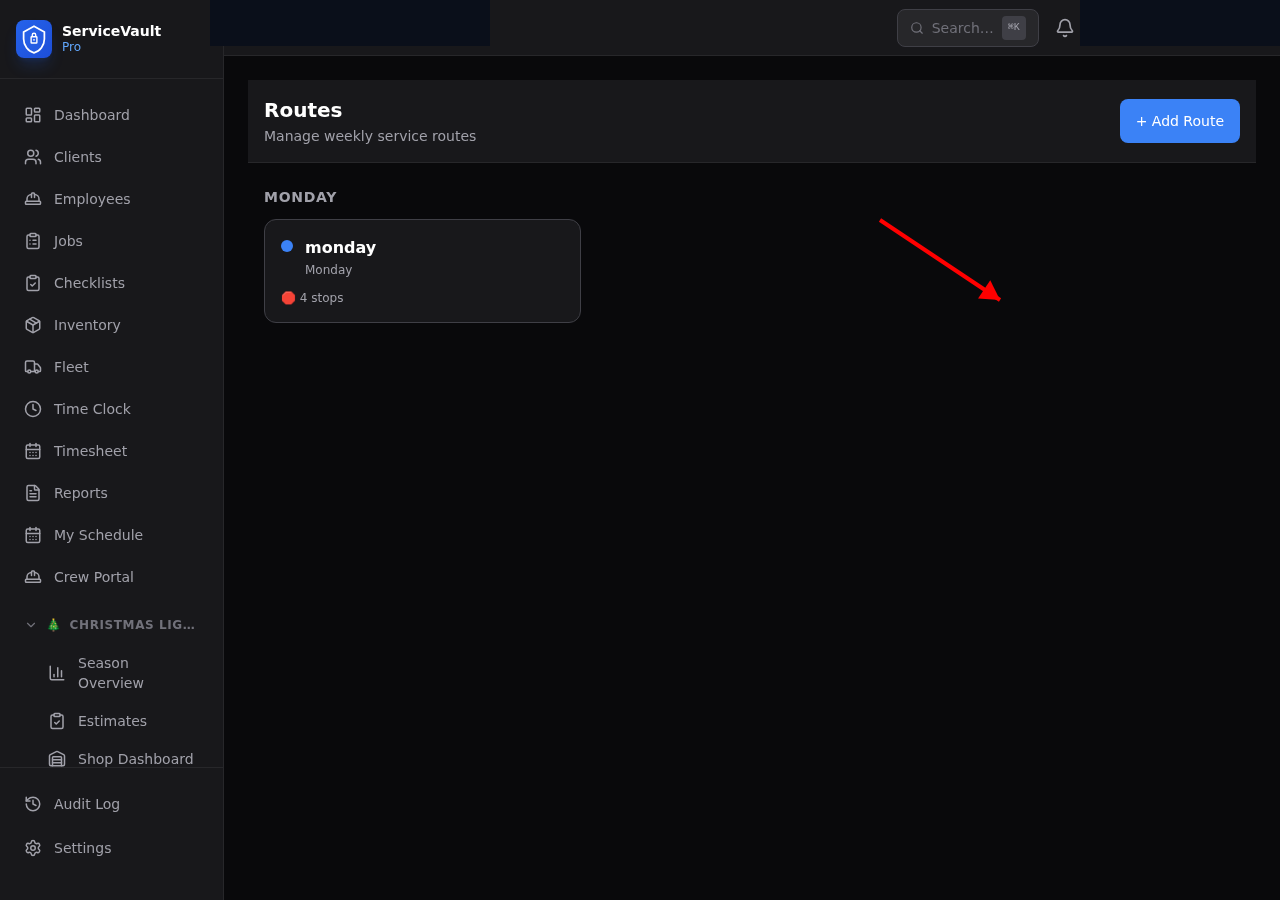
- Enter a route name and select the day of week it runs
- Pick a color for easy identification on the dashboard
- Assign crew members who run this route
- Click Save
Adding Stops
On the route detail page, click Add Stop and select a client. Set the estimated minutes and any special notes. You can add as many stops as needed.
Reordering Stops
Drag and drop stops to change the order. The position number updates automatically. Efficient stop ordering reduces drive time between properties.
Crew Assignment
Routes can be assigned to multiple crew members. All assigned crew will see this route in their Crew Field View on the route's day of week.
Daily Route View
The Lawncare Dashboard shows all routes scheduled for today with a progress bar showing completed stops. Crews use the field view on their tablets to work through the route.