Adding Equipment
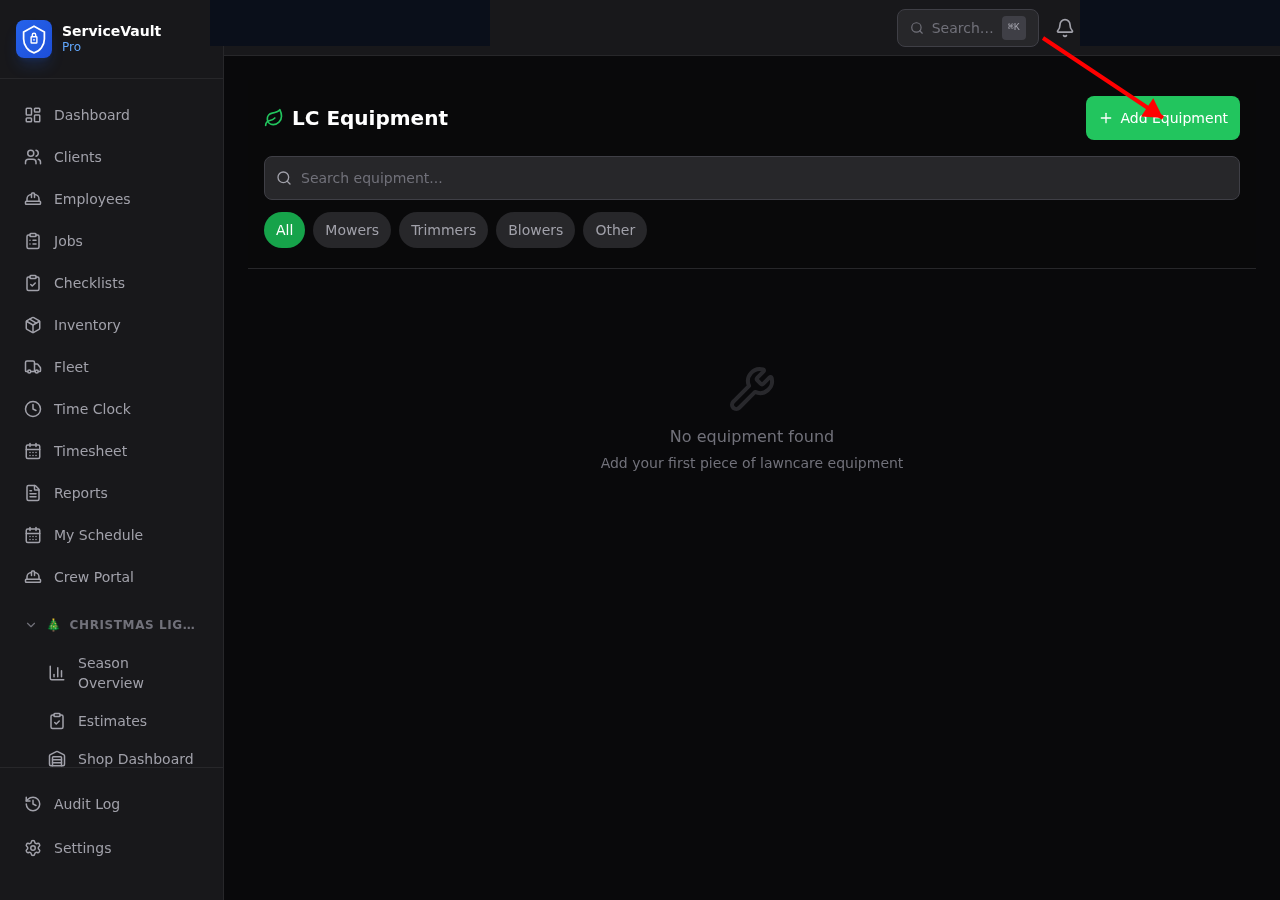
- Go to Lawncare → Equipment
- Click Add Equipment
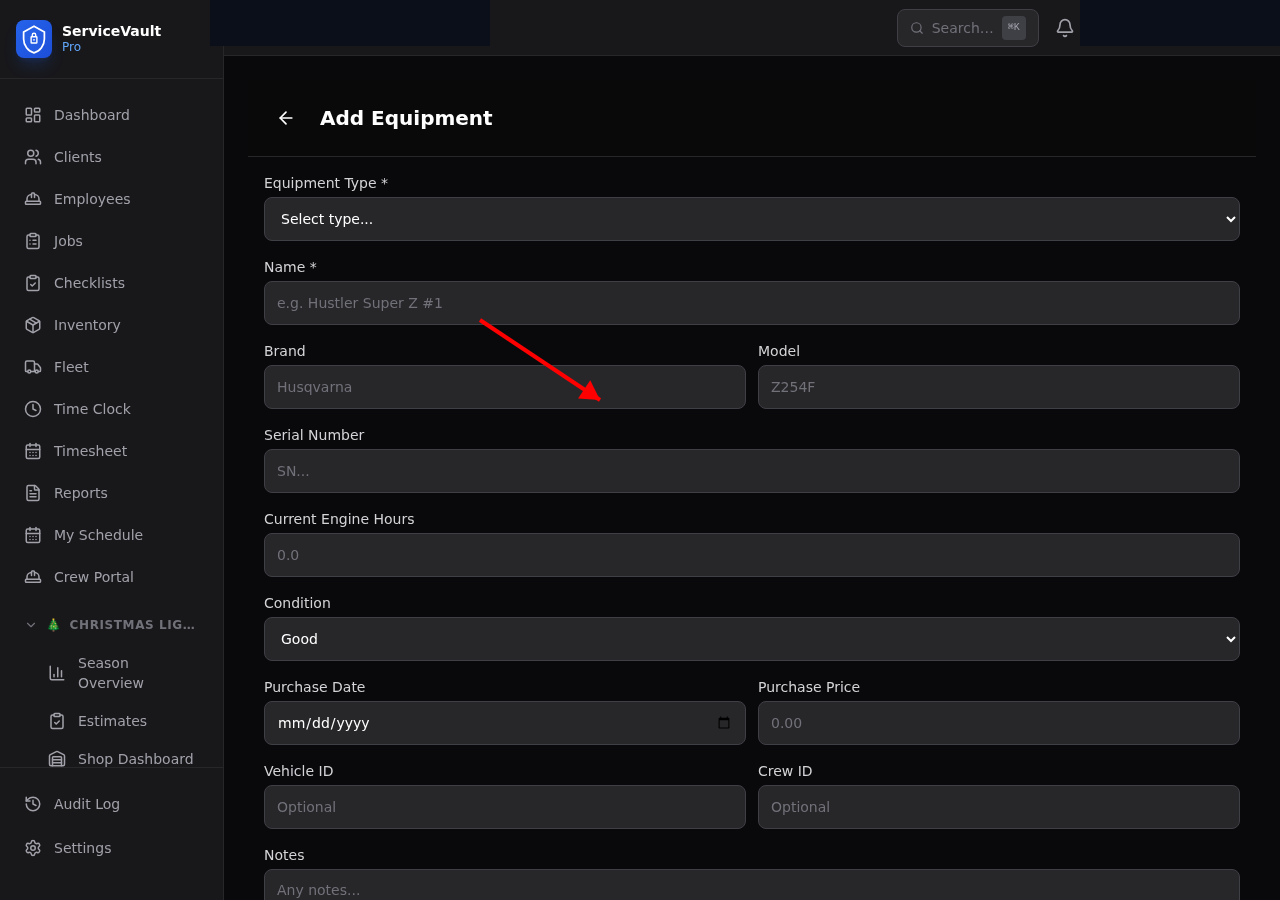
- Enter the name, type (mower, trimmer, blower, etc.), brand, model, and serial number
- Set the current engine hours
- Click Save
Blade Tracking
For mowers, you can log blade sharpening and replacement events. Go to the equipment detail page and click Log Blade Record. Track the hours at service so you can set a consistent sharpening schedule.
Maintenance Alerts
Set up maintenance schedules under each piece of equipment. You can schedule by calendar interval (e.g., every 90 days) or by engine hours (e.g., every 50 hours). When a maintenance task is due within 7 days or the hour threshold is approaching, it appears as an alert on the Lawncare Dashboard.
Logging Maintenance
- Navigate to the equipment record
- Click Log Maintenance
- Fill in the type, description, cost, and hours at service
- The next due date/hours will auto-update