Enabling the Lawncare Module
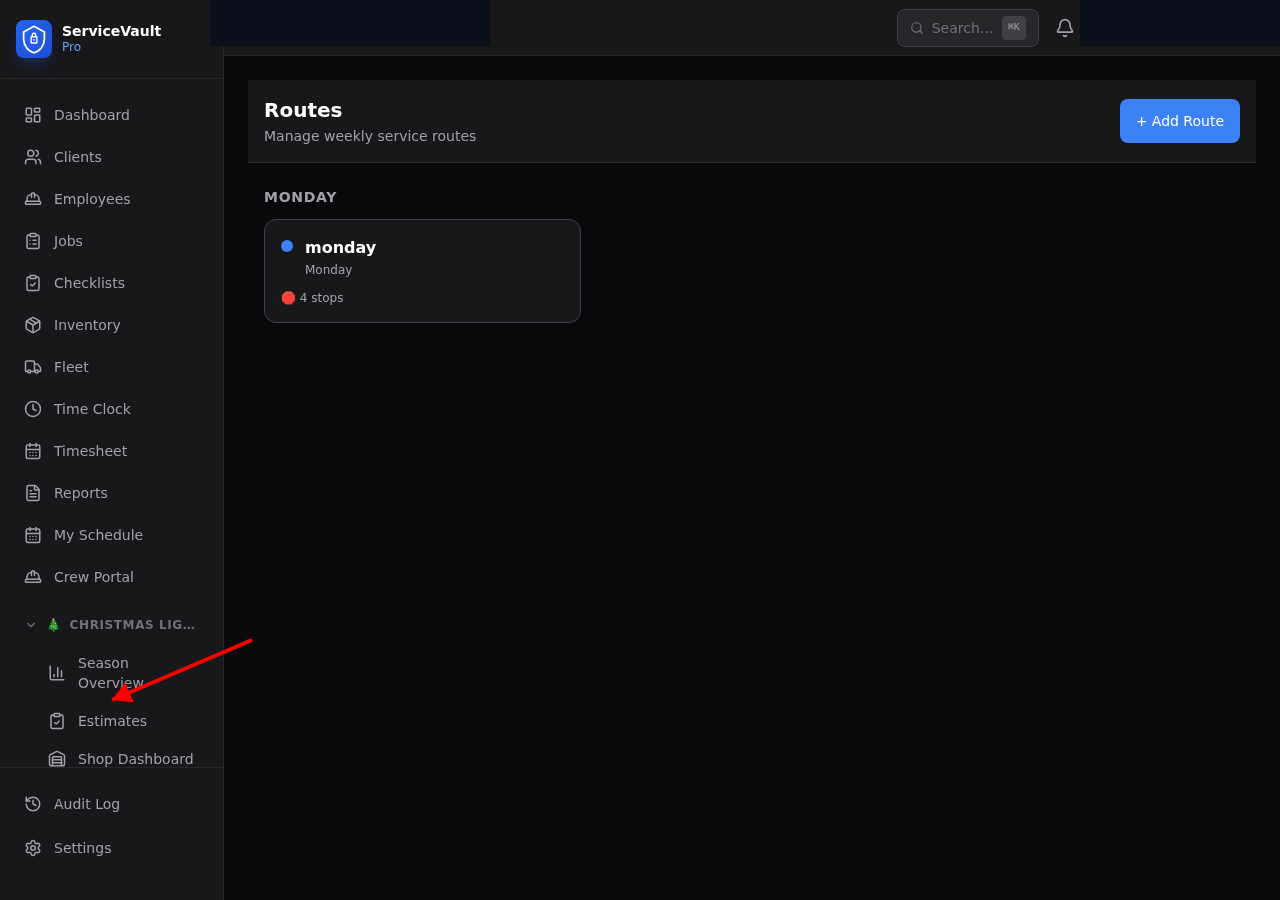
Go to Settings → Modules and toggle Lawncare on. The sidebar will immediately show new Lawncare sections.
What's Included
- Dashboard — Today's routes, weekly stats, alerts, quick actions
- Equipment — Mowers, trimmers, blowers with blade and maintenance tracking
- Schedules — Recurring cut schedules with auto-job generation
- Routes — Create routes, add stops, assign crews
- Fertilizer Programs — Multi-round programs with client enrollment
- Chemical Log — Applications, seeding, weed control, pesticides
- Applicator Licenses — License tracking with expiration alerts
- Property Specs — Lawn dimensions, irrigation, gate codes, mow preferences
- Crew Field View — Mobile-friendly route view for field crews
- Reports — 8 detailed reports covering revenue, costs, productivity, and more
Sidebar Navigation
All Lawncare features appear under the Lawncare section in the sidebar. Click any item to navigate. The Dashboard is your home base for daily operations.
Plan Limits
The Lawncare module requires an active module slot on your plan. Starter plans support 1 module; Pro plans support 2; Business and Enterprise plans support unlimited modules. See Settings → Billing for details.