Creating a Recurring Schedule
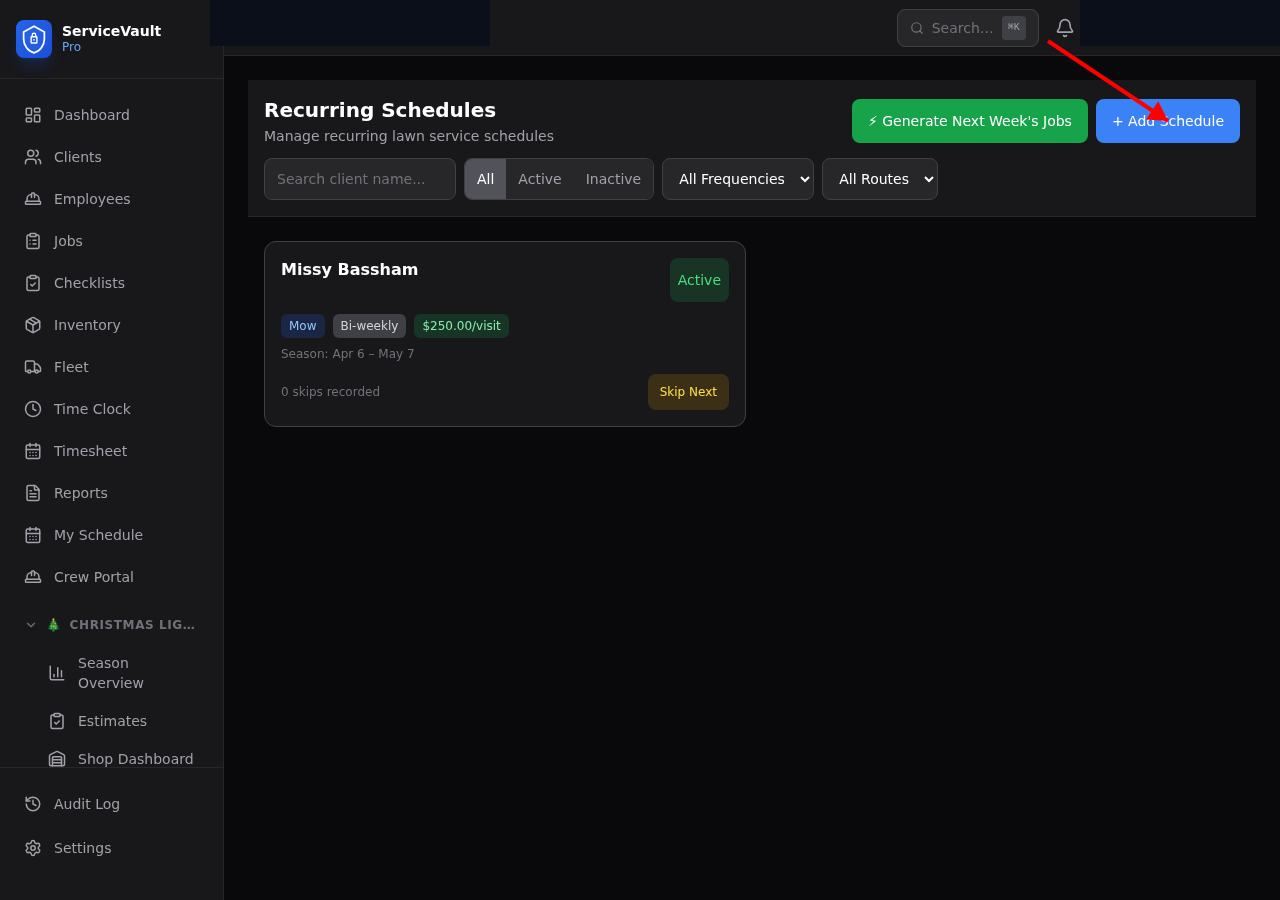
- Go to Lawncare → Schedules
- Click Add Schedule
- Select the client
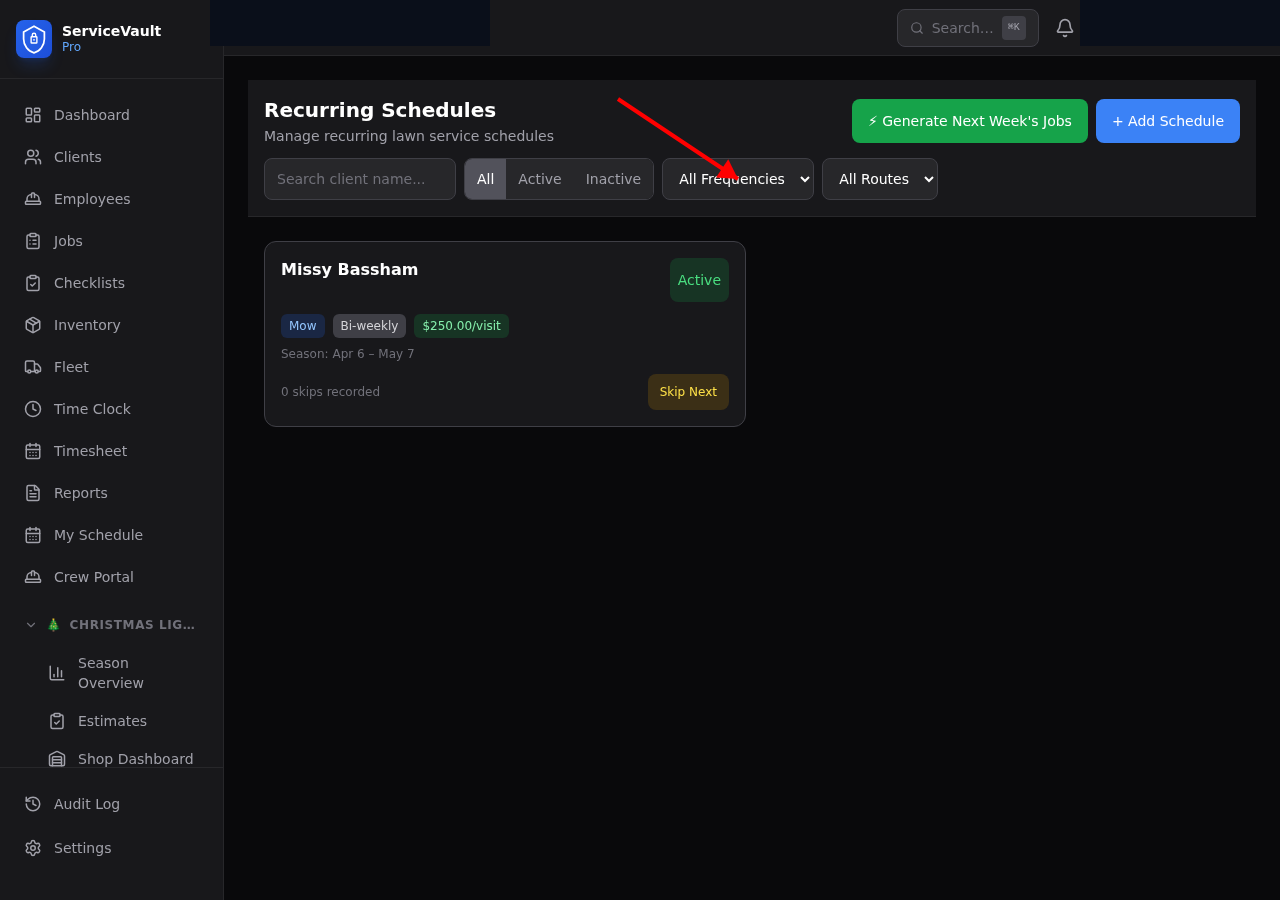
- Choose frequency: weekly, biweekly, or custom
- Set the day of week and season start/end dates
- Enter the price per visit or monthly price
- Click Save
Season Dates
Use season start and end dates to limit when jobs are generated. For example, set April 1 through October 31 for a standard mowing season. Jobs will only be created within that window.
Pricing Options
Choose between per visit pricing (each cut billed individually) or monthly pricing (flat monthly rate). Both options feed into the revenue reports.
Auto-Generate Jobs
From the Lawncare Dashboard, click Generate Next Week's Jobs. This creates jobs for all active schedules based on their day of week and season dates. You can also generate jobs from the Schedules page.