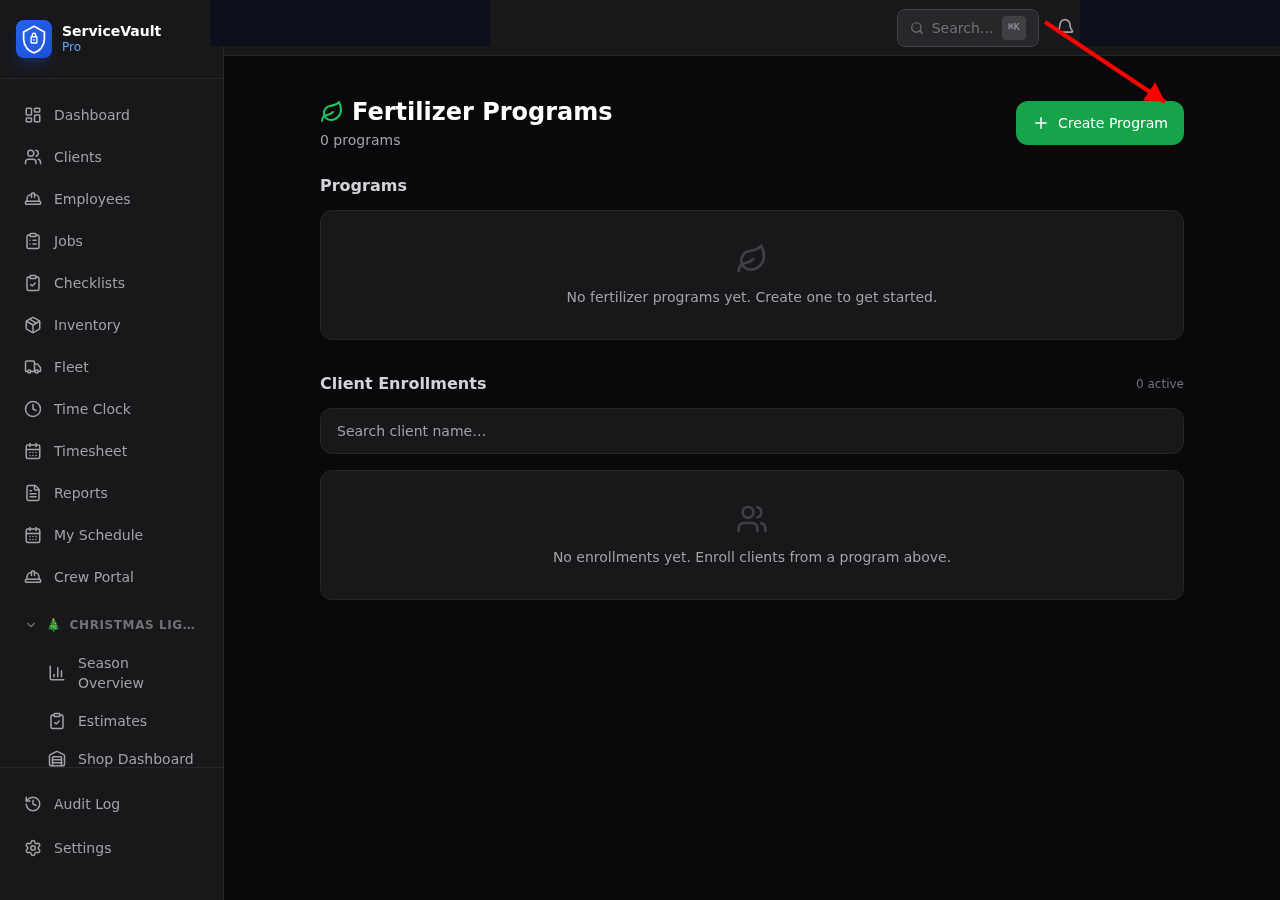
Creating a Fertilizer Program
- Go to Lawncare → Fertilizer
- Click New Program
- Enter the program name, number of rounds, and grass type
- Add each round: round number, name, target month, product, and NPK ratio
- Click Save
Enrolling Clients
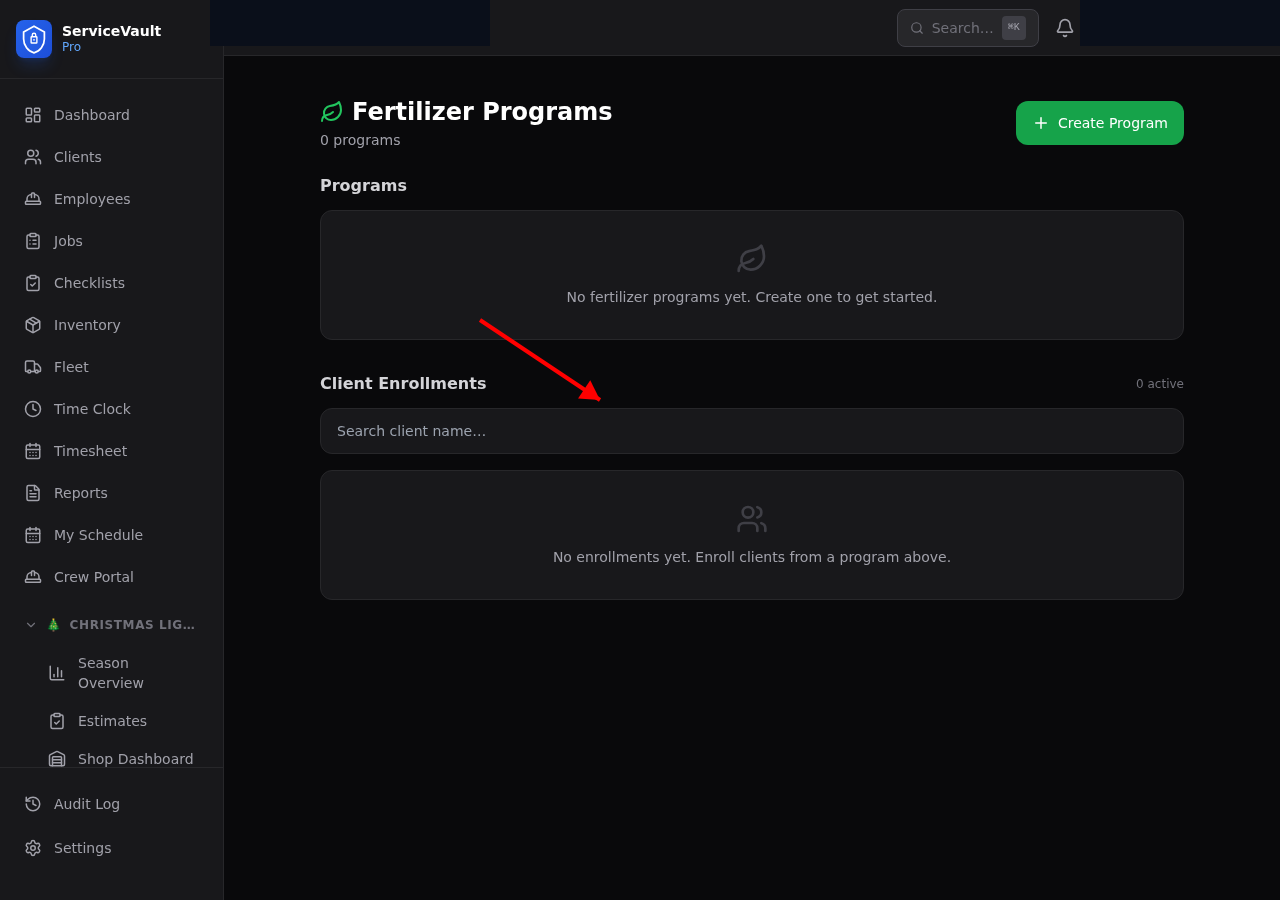
On the program page, click Enroll Client. Select the client, enter their lawn square footage, and choose the season year. The client will be tracked against each round of the program.
Tracking Progress
Each enrolled client shows their current round number. The Fertilizer Completion Rate report shows what percentage of clients completed all rounds for the season.
Logging Applications
When you apply a round, go to the client's fertilizer record and click Log Application. Enter the product applied, rate, square footage, total cost, and applicator. This advances the client's current round number.