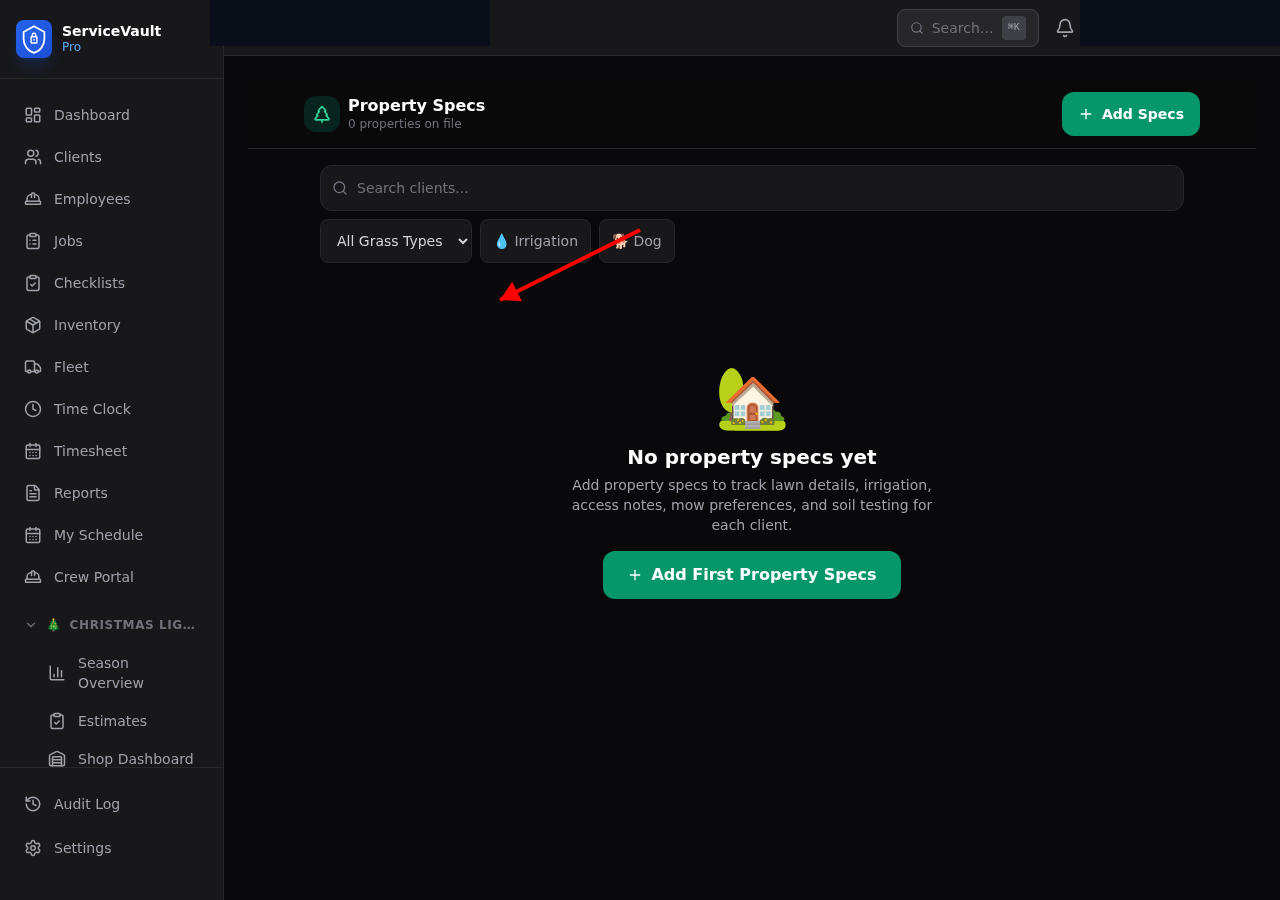
Opening Property Specs
Go to a client record and click the Lawn Specs tab, or navigate to Lawncare → Property Specs and search for the client.
Dimensions
Record the total lot size and mowable lawn square footage. This data feeds into fertilizer application rate calculations and cost-per-property reports.
Grass & Conditions
Select the grass type (fescue, bermuda, zoysia, etc.), sun/shade coverage, and slope type. Add terrain notes for anything unusual like drainage issues or steep hills.
Irrigation
Document whether the property has irrigation, the system type, number of zones, and controller location. Record the last winterization date so you can track winterization schedules.
Access & Obstacles
Store gate codes, gate width (important for knowing which mower fits), dog-in-yard warnings, and a list of obstacles like AC units, flower beds, or low-hanging branches.
Mow Preferences
Record the preferred mow height, pattern (stripes, diagonal, etc.), and edging frequency. Crews see this information in the field view so every visit matches client expectations.
Soil Testing
Log soil test results including pH, nitrogen, phosphorus, and potassium levels. Add recommendations from the test report so you can build the right fertilizer program for each property.