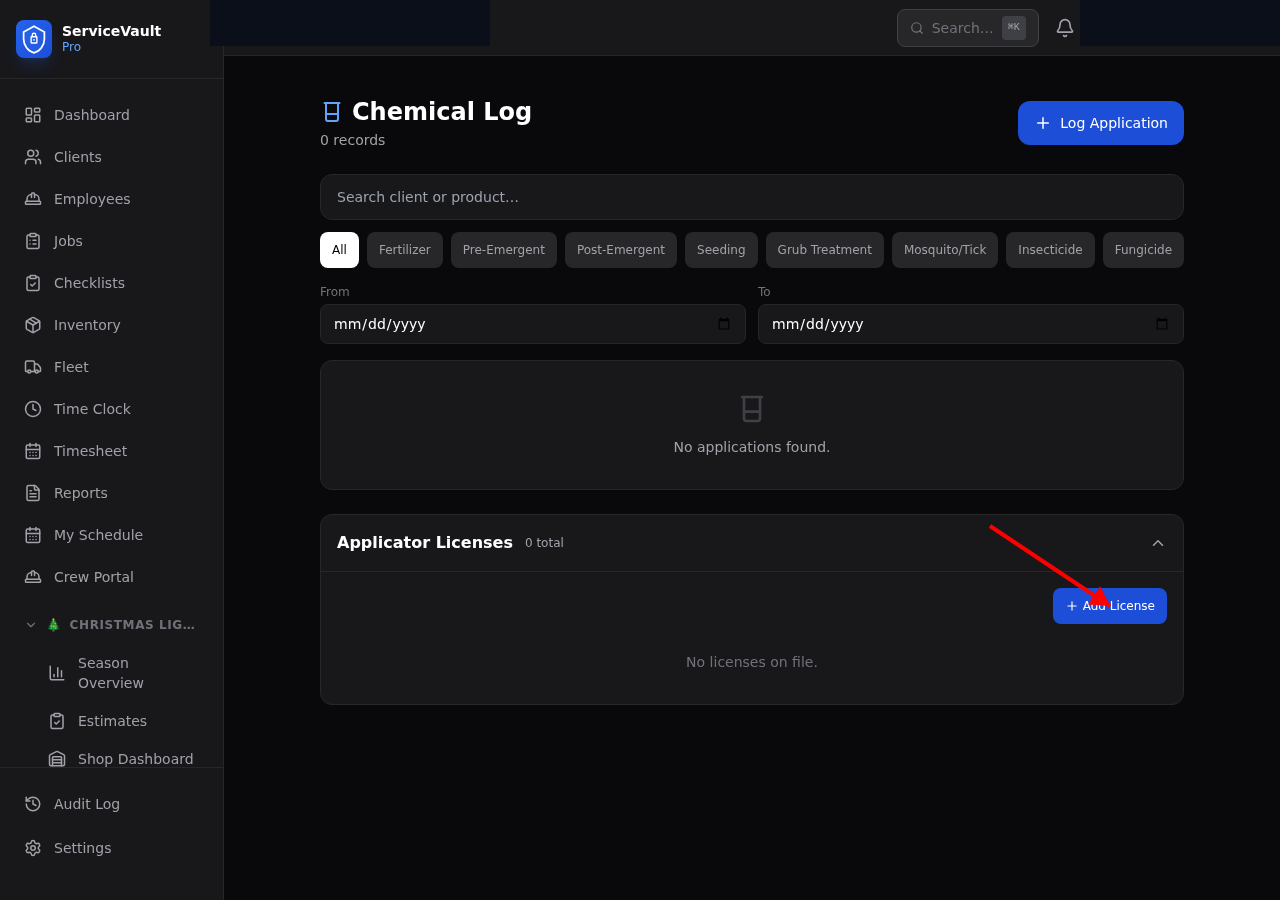
Adding a License
- Go to Lawncare → Licenses
- Click Add License
- Select the employee
- Enter the license number, state, and category (e.g., Commercial Pesticide Applicator)
- Set the issue date and expiration date
- Click Save
Expiration Alerts
Licenses expiring within 30 days appear as alerts on the Lawncare Dashboard. Licenses expiring within 7 days are highlighted in red. This gives you time to schedule renewal testing or continuing education before the license lapses.
State Requirements
Most states require a licensed applicator to be present when applying restricted-use pesticides. Check your state's Department of Agriculture for specific requirements, license categories, and renewal schedules. Common categories include:
- Ornamental and Turf
- Right-of-Way
- General Pest Control
- Lawn and Ornamental
Notes Field
Use the notes field to record CEU requirements, renewal deadlines, or exam details so nothing falls through the cracks.