Accessing Client Specs
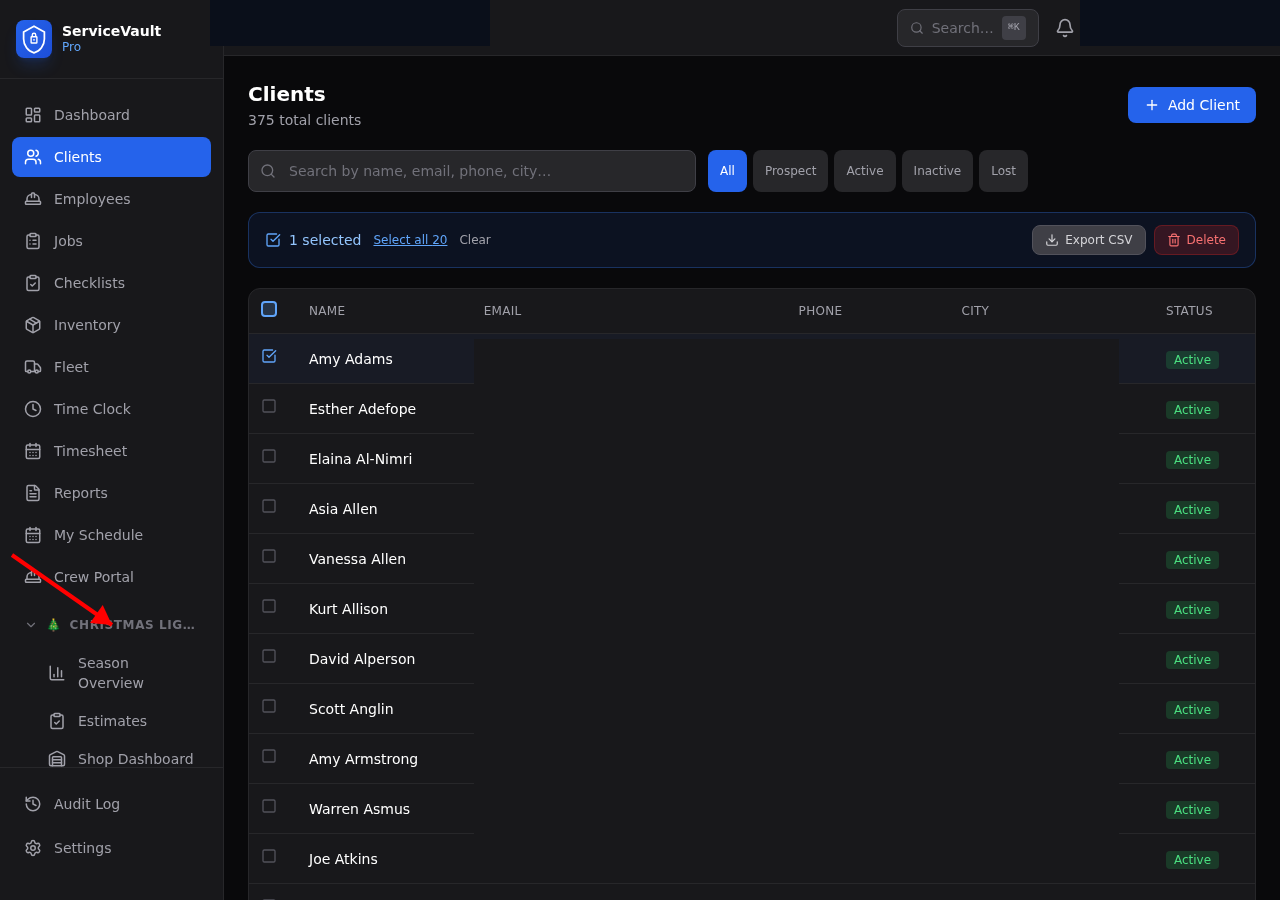
- Go to Clients and click on a client
- Click the CL Specs tab on the client's detail page
What You Can Store
- Roofline Footage — Total roofline footage for this client. Helps with planning and material orders.
- Bush Count — Number of bushes getting lights or wraps
- Tree Count — Number of trees getting lights
- Mini Strand Count — How many mini strands the client uses
- Timer Location — Where the timer is located (e.g., "Inside garage, left wall outlet")
- Gate Code — Access code for gated properties
- Ladder Required — Notes about ladder needs (e.g., "40ft ladder for back dormers")
- Power Outlet — Where to plug in (e.g., "Front porch outlet, right side")
- Annual Value — How much this client pays annually
Year-Over-Year Notes
Use the notes field to record anything the crew should know from last season. Examples:
- "Client wants to add dormers this year"
- "Dog in the backyard — call before entering"
- "Gutters are fragile on the left side, use shingle clips only"
- "Added 20ft of garland to front porch railing in 2025"
These notes carry over each season so crews always have the context they need.