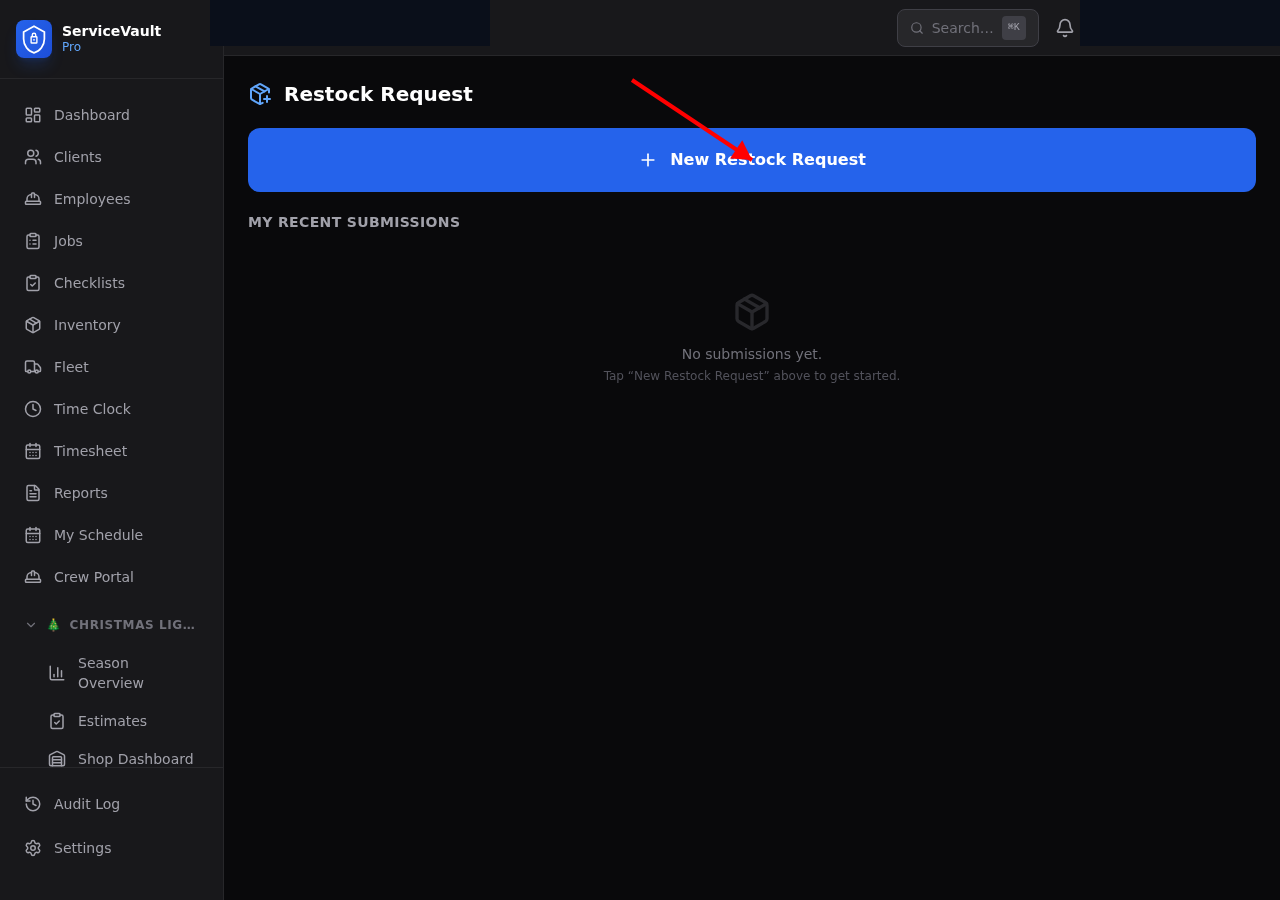
Crew: Submitting a Restock Request
- Go to Restock in the Christmas Lights section of the sidebar
- Click New Request
- Optionally select the vehicle you're in
- Add items you need — type (C9, Mini, Clips, Plugs, Zipties, Wire, Other), variant/color, and quantity
- Add any notes (e.g., "Running low on warm white C9s, need by tomorrow morning")
- Click Submit
Shop: Managing Requests
Restock requests appear on the Shop Dashboard and on the Restock page. Shop staff can:
- View the request details and item list
- Mark the request as In Progress when they start pulling items
- Mark it as Completed when all items are ready
Tracking
Both crews and shop staff can see the status of every restock request. The list shows pending, in-progress, and completed requests with timestamps.