Accessing the Map
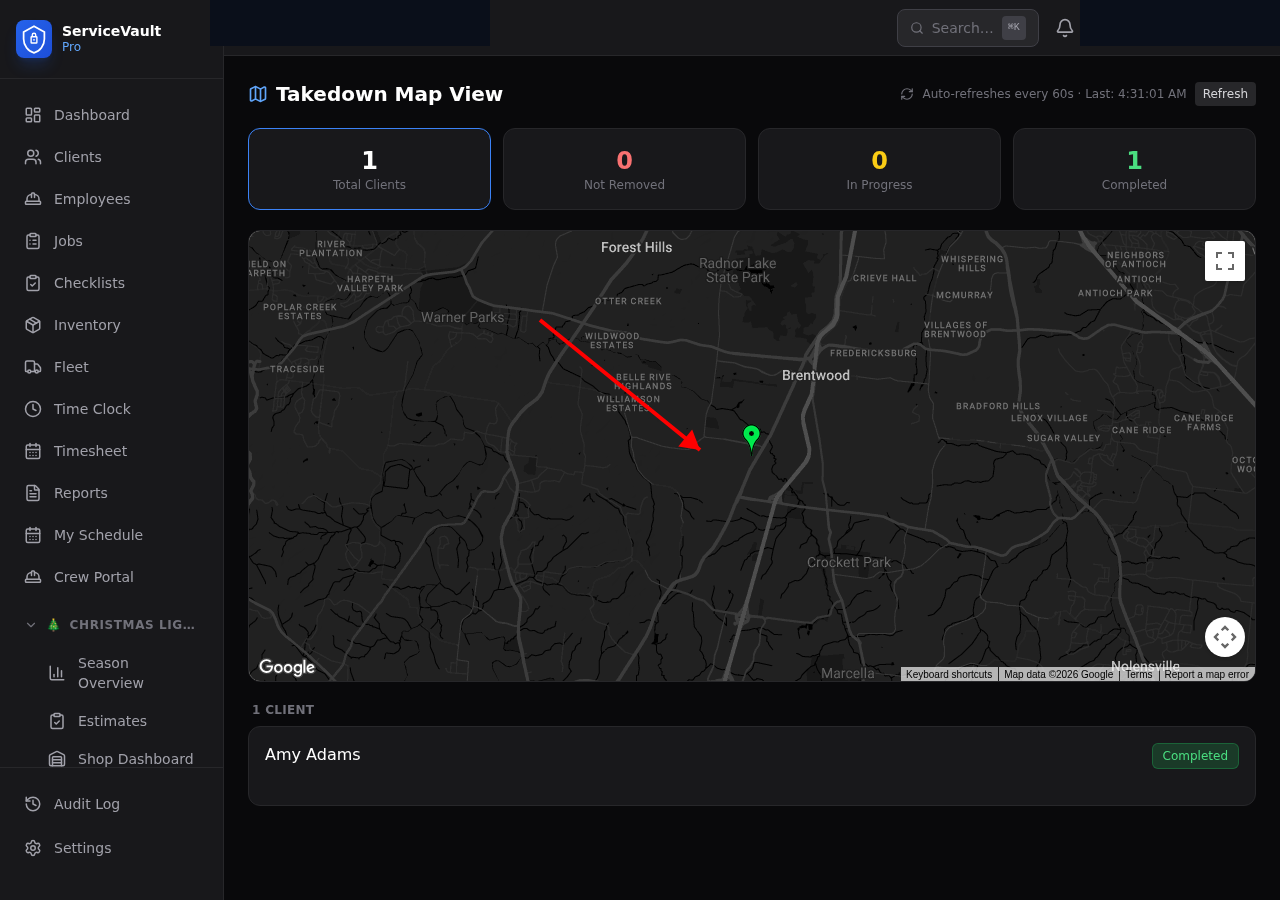
Click Map in the Christmas Lights section of the sidebar.
Status-Colored Pins
Each client appears as a pin on the map. The pin color indicates their current status:
- Green — Install completed
- Blue — Scheduled / waiting for install
- Orange — In progress
- Red — Has an open repair/service call
- Gray — Takedown completed
Auto-Refresh
The map refreshes automatically so you always see the latest status. No need to manually reload the page.
Starting Takedowns from the Map
Click on any client pin to see their details. If it's takedown season, you can start a takedown directly from the map — click the pin, then click Start Takedown to create a new takedown form for that client.
Planning Routes
Use the map to visually plan your crew's route for the day. See which clients are nearby and in what status to optimize your schedule.