Creating an Estimate
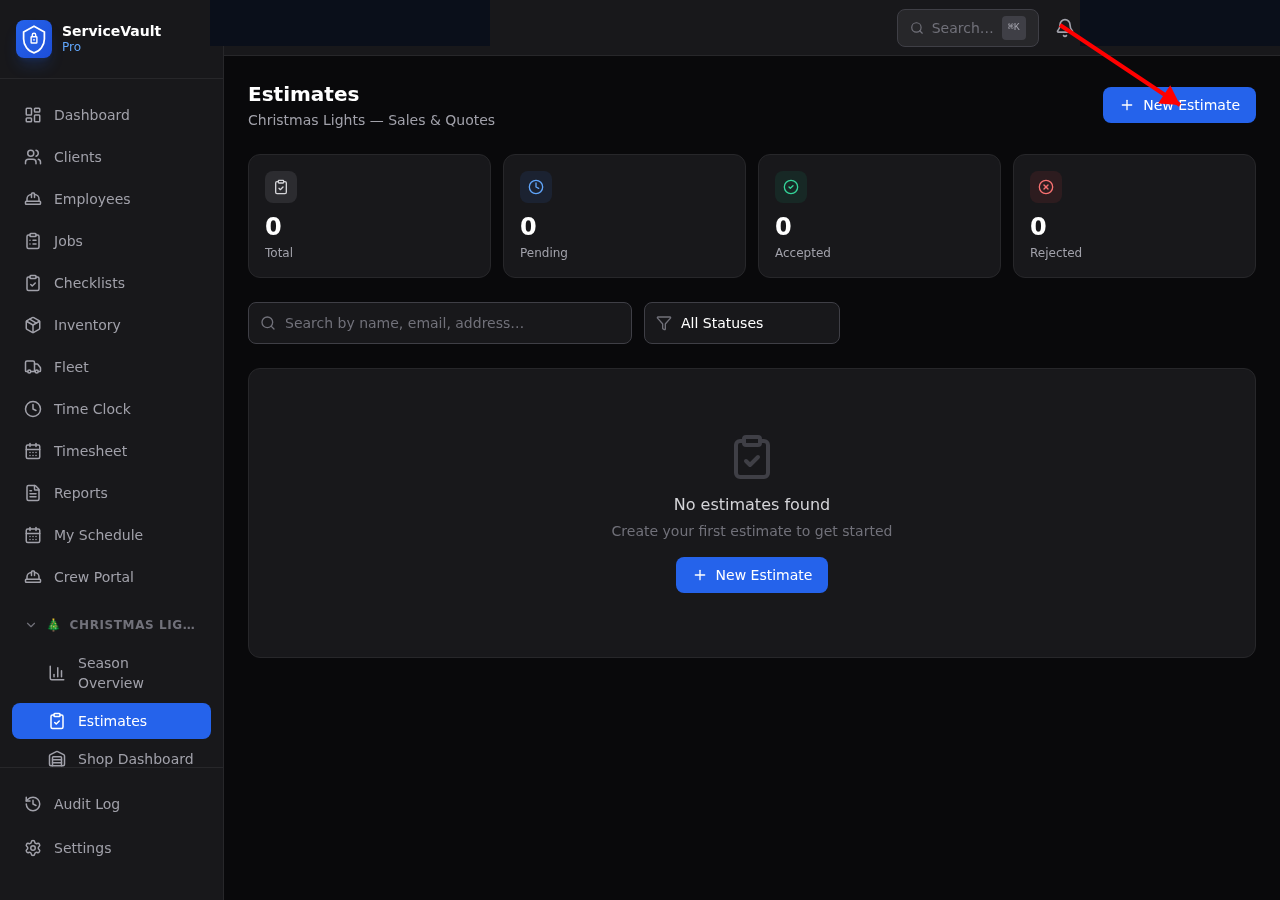
- Go to Estimates in the sidebar
- Click New Estimate
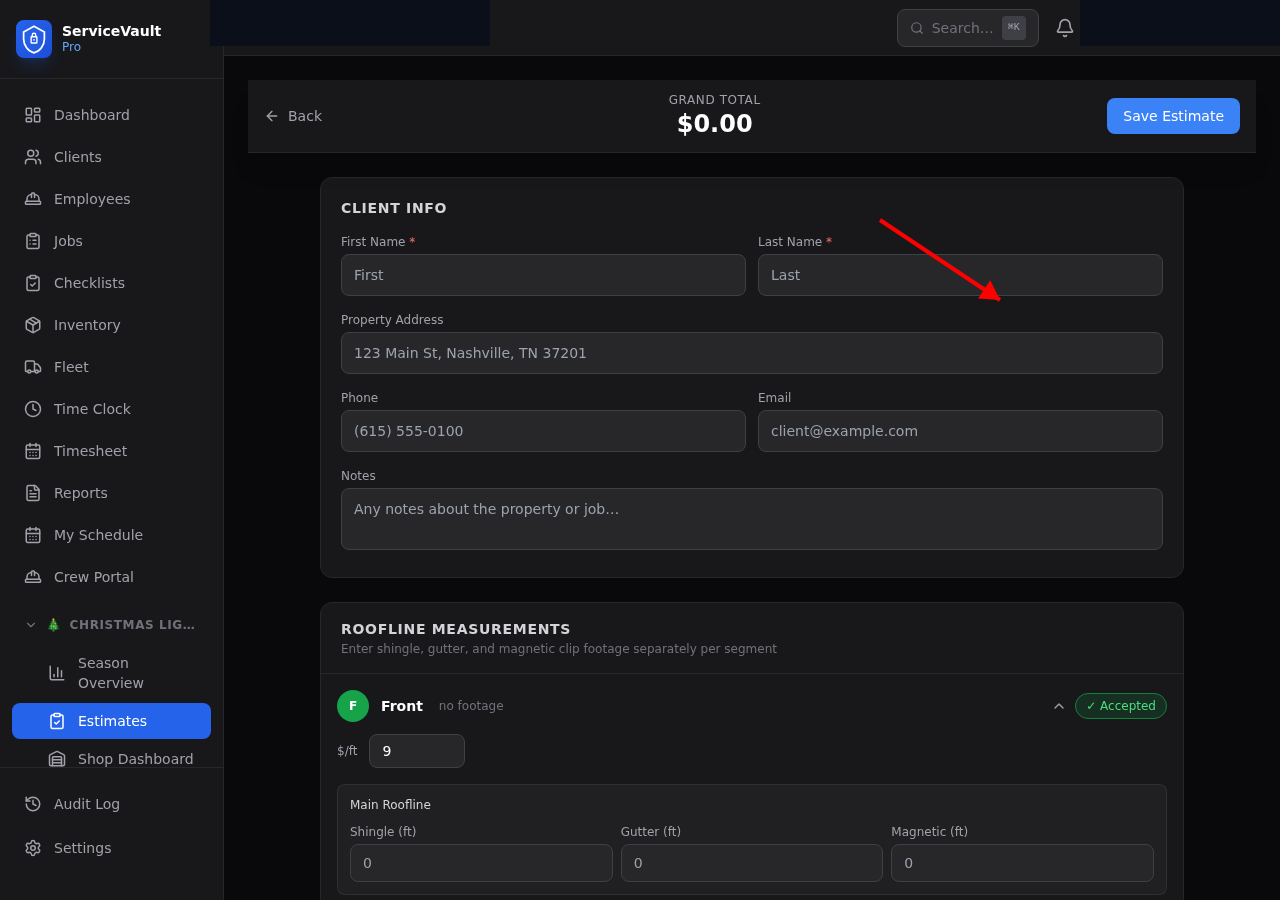
- Enter the prospect's name, email, phone, and address
- Click Create Estimate
Adding Sides
Christmas light estimates are measured side by side — front, left, right, and back of the house.
- On the estimate detail page, click Add Side
- Choose which side of the house (Front, Left, Right, Back)
- Select the light color (Warm White, Cool White, Pure White, Red, Green, Blue, Multi)
- Set the price per foot
Segments (Roofline Sections)
Each side can have multiple segments — for example, the front of a house might have a main roofline, a dormer, and a garage line. For each segment:
- Shingle Ft — Footage using shingle clips
- Gutter Ft — Footage using gutter clips
- Magnetic Ft — Footage using magnetic clips
The total footage is calculated automatically and multiplied by the price per foot to get the segment subtotal.
Extras
Add extras like mini strands, wreaths, garland, or timers. For each extra item, set the quantity, color, size, and unit price. Extras are totaled separately.
Accepting / Declining Sides
Clients can accept or decline individual sides. On the estimate detail page, toggle each side's Accepted switch. The total updates automatically to reflect only accepted work.
Estimate Status
- Quote — Draft, not yet sent to client
- Partially Accepted — Client accepted some sides but not all
- Fully Accepted — All sides accepted
- Rejected — Client declined the estimate
Converting to Client
When a prospect accepts their estimate, you can convert them into a full client record. Click Convert to Client on the estimate page. This creates a new client with their name, email, phone, and address — and links the estimate to the new client record. This is the "auto-checkout" workflow — one click and they're in the system.