Submitting a Repair
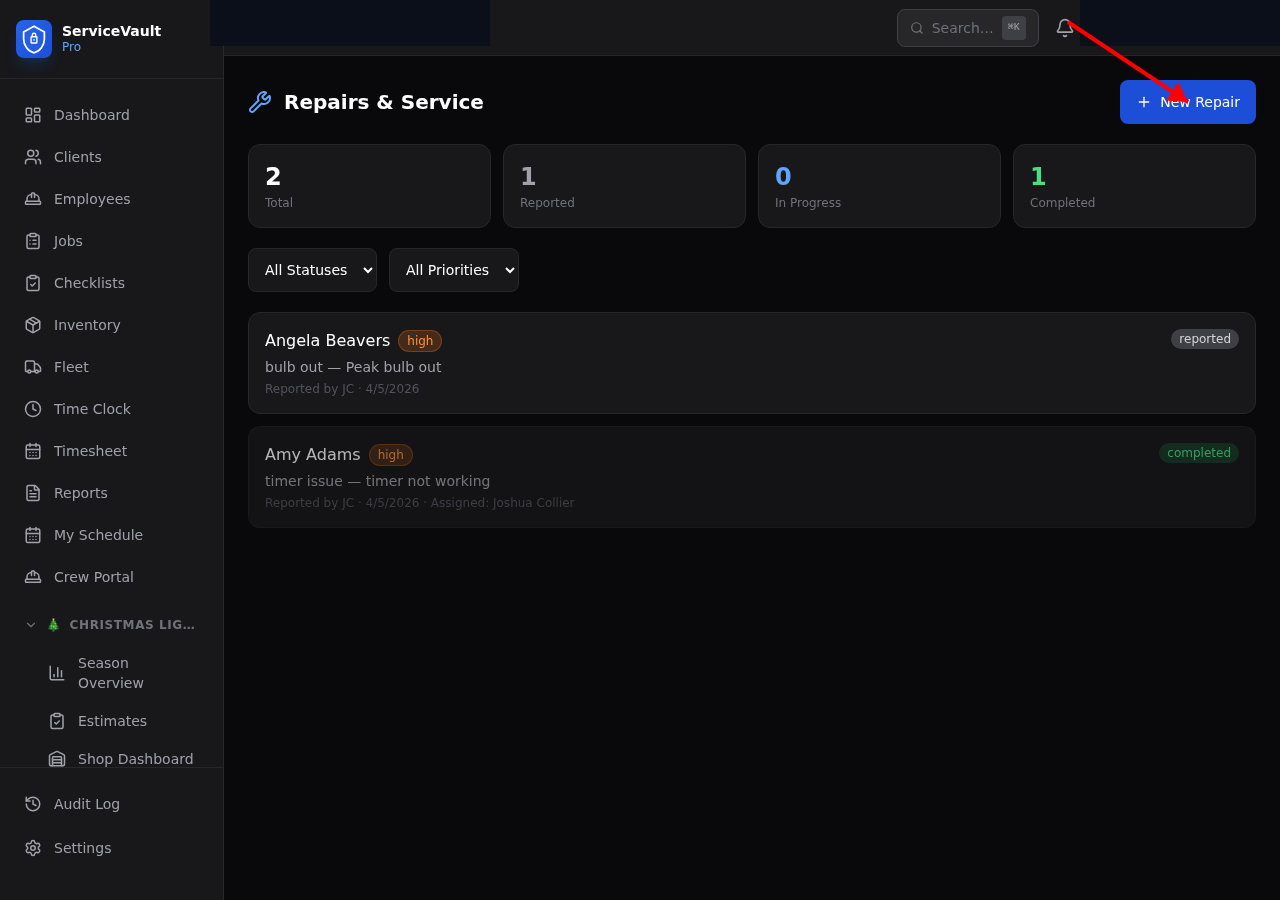
- Go to Repairs in the Christmas Lights section of the sidebar
- Click New Repair
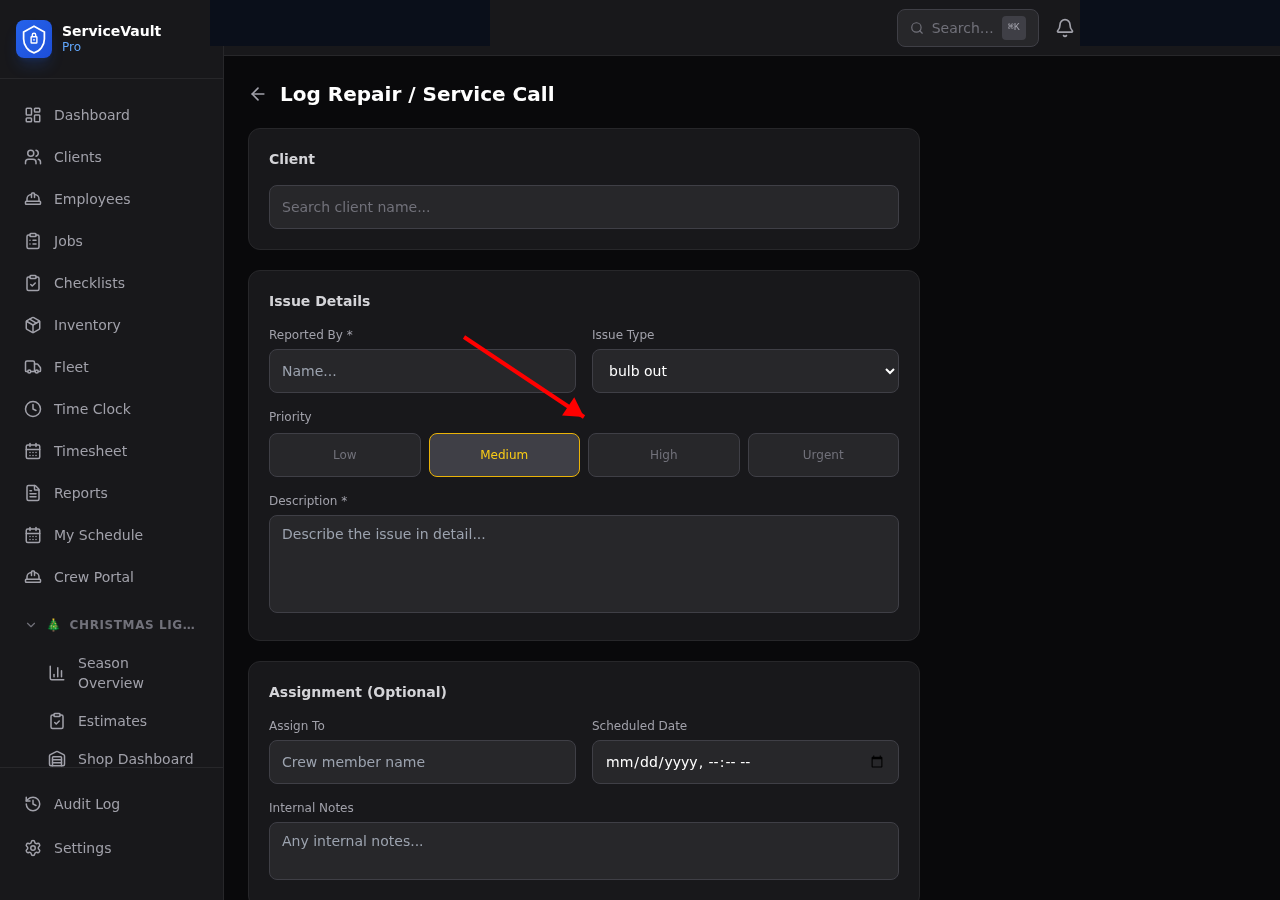
- Select the client
- Choose the issue type: Bulb Out, Timer Issue, Wind Damage, Wire Damage, Clip Failure, or Other
- Set the Priority: Low, Medium, High, or Urgent
- Write a description of the issue
- Click Create
Priority Levels
- Low — Minor issue, can wait. Example: one bulb out on the back of the house.
- Medium — Should be fixed within a few days. Example: several bulbs out on a visible section.
- High — Fix soon. Example: an entire strand is out on the front of the house.
- Urgent — Fix today if possible. Example: lights hanging dangerously or customer complaint.
Crew Assignment
Assign a repair to a specific crew member or leave it unassigned for anyone to pick up. You can also set a scheduled date for the repair.
Status Management
Repairs move through these statuses:
- Reported — Just submitted, no one assigned yet
- Assigned — A crew member has been assigned
- In Progress — Crew is on-site working on it
- Completed — Fixed and verified
Update the status on the repair detail page. Add resolution notes when completing a repair.