How the Calculator Works
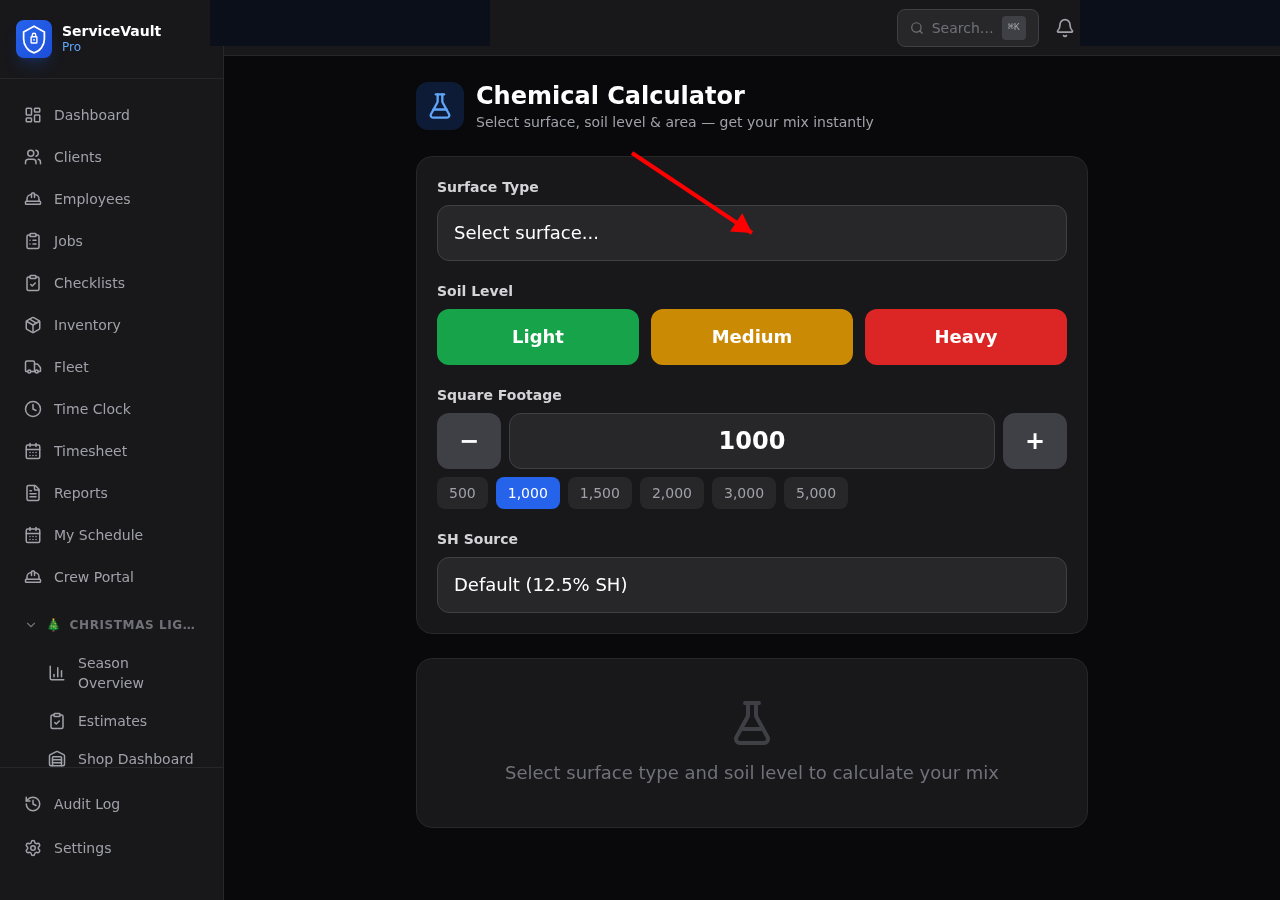
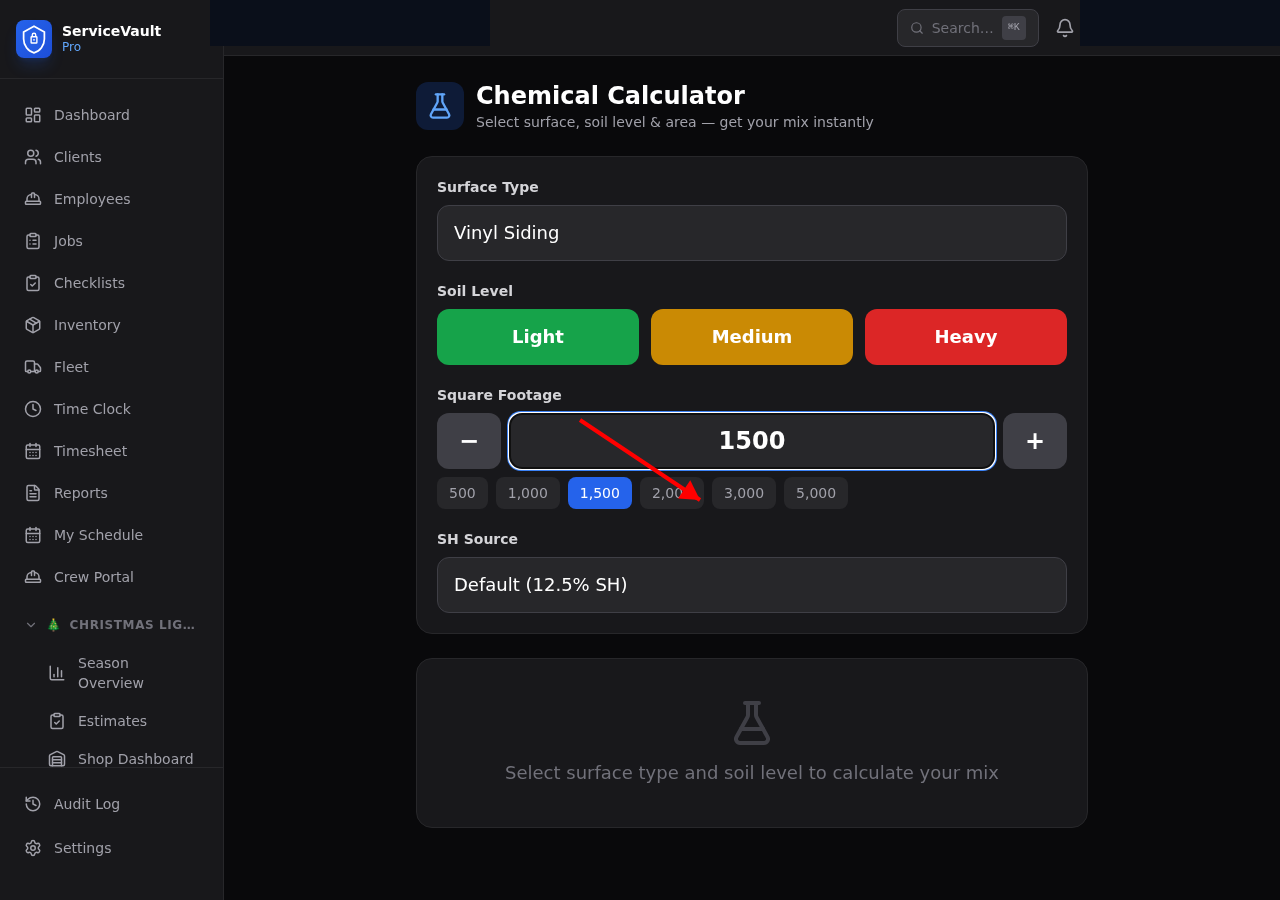
The Mix Ratio Calculator takes three inputs and outputs the exact amounts of each chemical needed for a safe, effective mix:
- Go to Pressure Washing → Calculator
- Select the Surface Type (house wash, roof, driveway, patio, wood deck, etc.)
- Select Soil Level (Light, Medium, Heavy)
- Enter the square footage of the area
- Click Calculate
The calculator displays recommended amounts for SH, surfactant, and water in gallons.
SH Strength Adjustment
If you've set up a SH chemical with an original strength and purchase date, the calculator automatically adjusts the SH amount based on the estimated current strength. Weaker SH means more volume needed to hit the target concentration — the calculator handles this math for you.
Saving a Batch
After reviewing your mix, click Save Batch to log it. Enter the job or location name, confirm the amounts, and click Confirm. The batch is added to your Batch Log with a timestamp.
Batch Log & Inventory Deduction
Every saved batch automatically deducts the chemical amounts from your inventory. No manual entry needed. Review the batch log under Chemicals → Batch Log to see the full history of mixes with job associations.