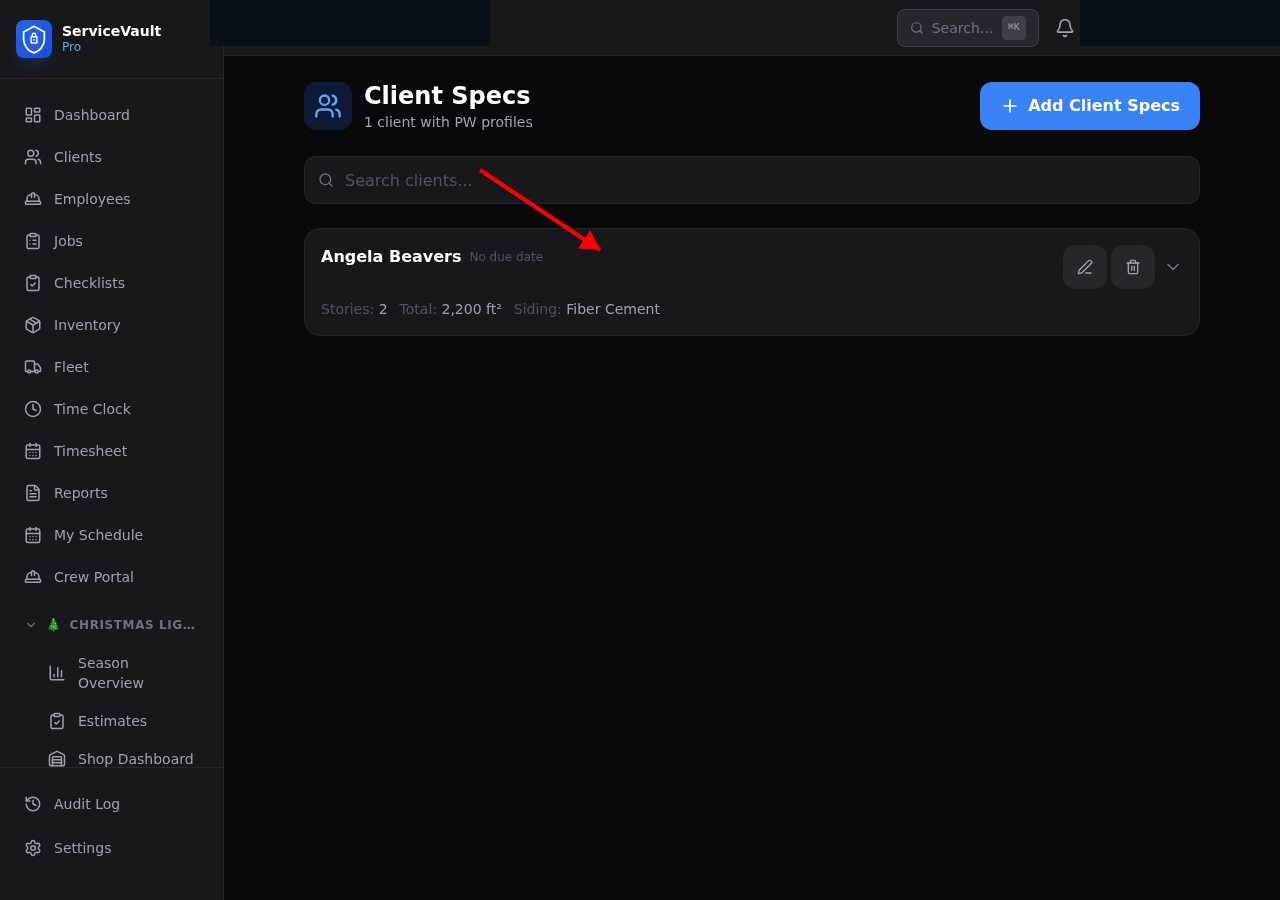
Adding PW Specs to a Client
Open any client record and click the Pressure Washing tab. Click Edit Specs to fill in property details:
- Property Sq Ft — Total washable surface area
- Stories — 1, 2, or 3+ (affects chemical concentration and equipment needs)
- Siding Type — Vinyl, brick, stucco, wood, fiber cement, etc.
- Roof Type — Asphalt shingle, metal, tile, flat
- Water Source — Spigot location and any access notes
- Access Notes — Gate codes, dogs, parking, preferred entry
Wash Frequency
Set the recommended wash frequency for the client: Annual, Semi-Annual, or Quarterly. After each completed PW job, the system sets the Next Due Date automatically based on this frequency.
Due for Service
The Due for Service section in the PW dashboard lists every client with a next due date. Color coding makes priorities obvious:
- Red — Overdue (past due date)
- Yellow — Due soon (within 30 days)
- Green — On schedule
Upsell Notes
The specs tab includes an Upsell Notes field — a free-text area to note services the client has expressed interest in or properties that are good candidates for add-on services (roof wash, gutter brightening, wood restoration, etc.).