Two-Tier Checklist System
ServiceVault Pro uses a two-tier checklist architecture:
- Core Checklists — Always available regardless of which modules are active (safety, vehicle pre-trip, etc.)
- Module Checklists — Specific to each industry module (PW, Christmas Lights, etc.) and only appear when that module is enabled
Five Job Phases
Checklists are organized into five phases that match the natural flow of a workday:
- Start of Day — Equipment checks, loading, vehicle inspection
- Pre-Job — Site assessment, chemical mixing, customer confirmation
- During Job — Active wash steps, quality checks mid-job
- Post-Job — Post-wash inspection, before/after photos, client walkthrough
- End of Day — Equipment rinse/storage, inventory counts, vehicle return
Creating Templates
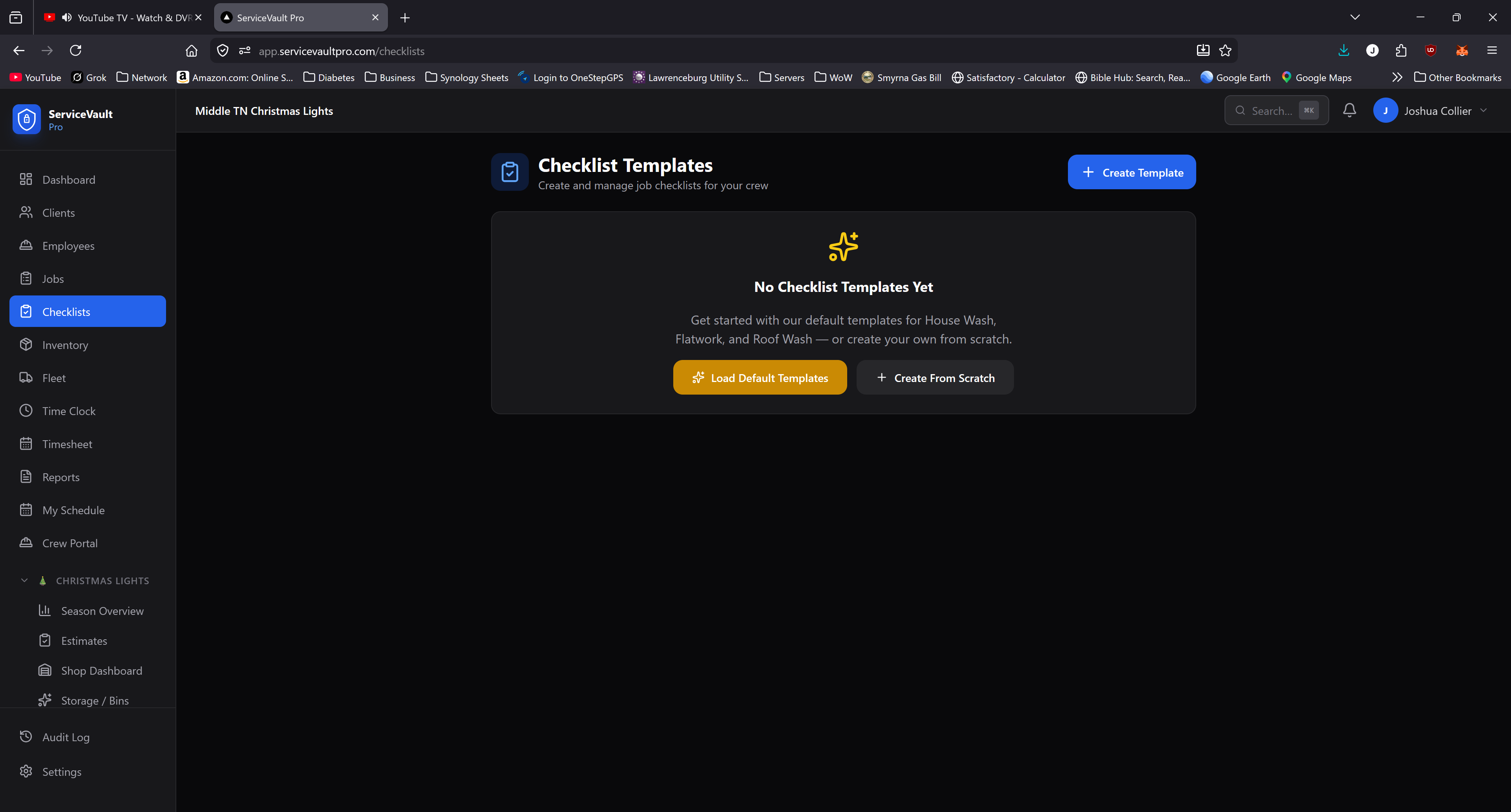
Go to Pressure Washing → Checklists → Templates. Click New Template, name it, select the phase, and add checklist items. Mark items as Required (must be completed to close the job) or Optional.
Module templates are grouped in collapsible sections on the templates page — expand the Pressure Washing group to see and edit PW-specific templates.
Assigning Checklists to Jobs
When scheduling a job, select which checklist templates apply. The selected checklists are attached to the job record.
Completing Checklists in the Field
Crews open the job on their device and tap each checklist phase to expand it. Check items off as they're completed. Required items must be checked before the job can be marked complete.