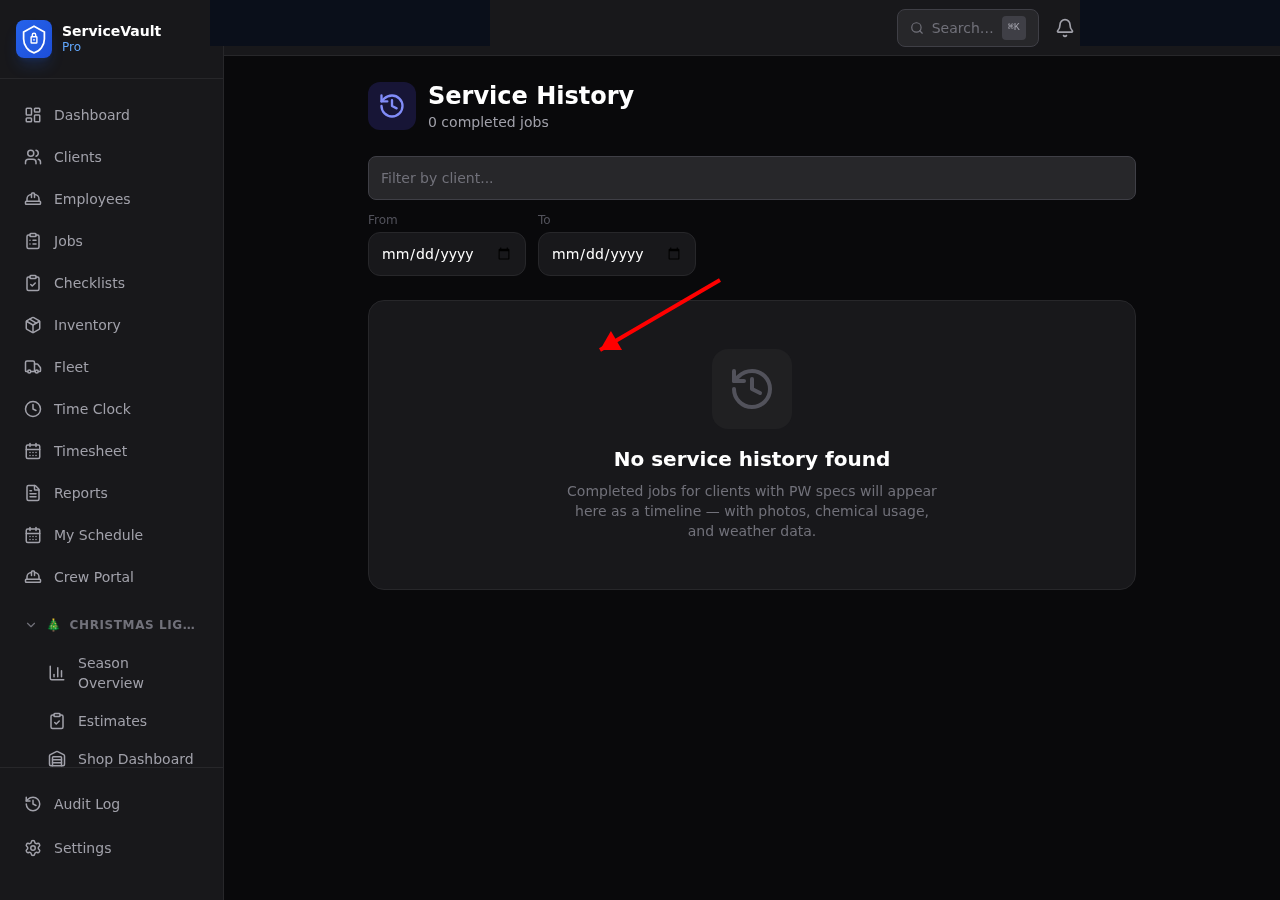
Accessing Service History
Service history is available in two places:
- Per client — Open a client record and click the Pressure Washing tab, then Service History
- All clients — Go to Pressure Washing → Service History for the full company-wide timeline
What's Aggregated
Each service history card pulls together all data from a completed PW job:
- Job details (date, crew, duration, surfaces washed)
- Batch log entries (chemical mixes used)
- Before and after photos
- Weather check results
- Checklist completion summary
- Post-wash inspection scores and client satisfaction rating
Search & Filter
On the company-wide history page, use the search bar to find jobs by client name. Use the date range picker to narrow results to a specific month, quarter, or custom range.
Expandable Cards
Each job appears as a summary card. Click Expand to reveal the full detail view including all data aggregated for that job.
Before / After Photo Lightbox
Click any photo thumbnail to open the lightbox viewer. Use the arrow keys or swipe to browse before and after photos side by side. Photos can be downloaded individually from the lightbox.