Equipment Types
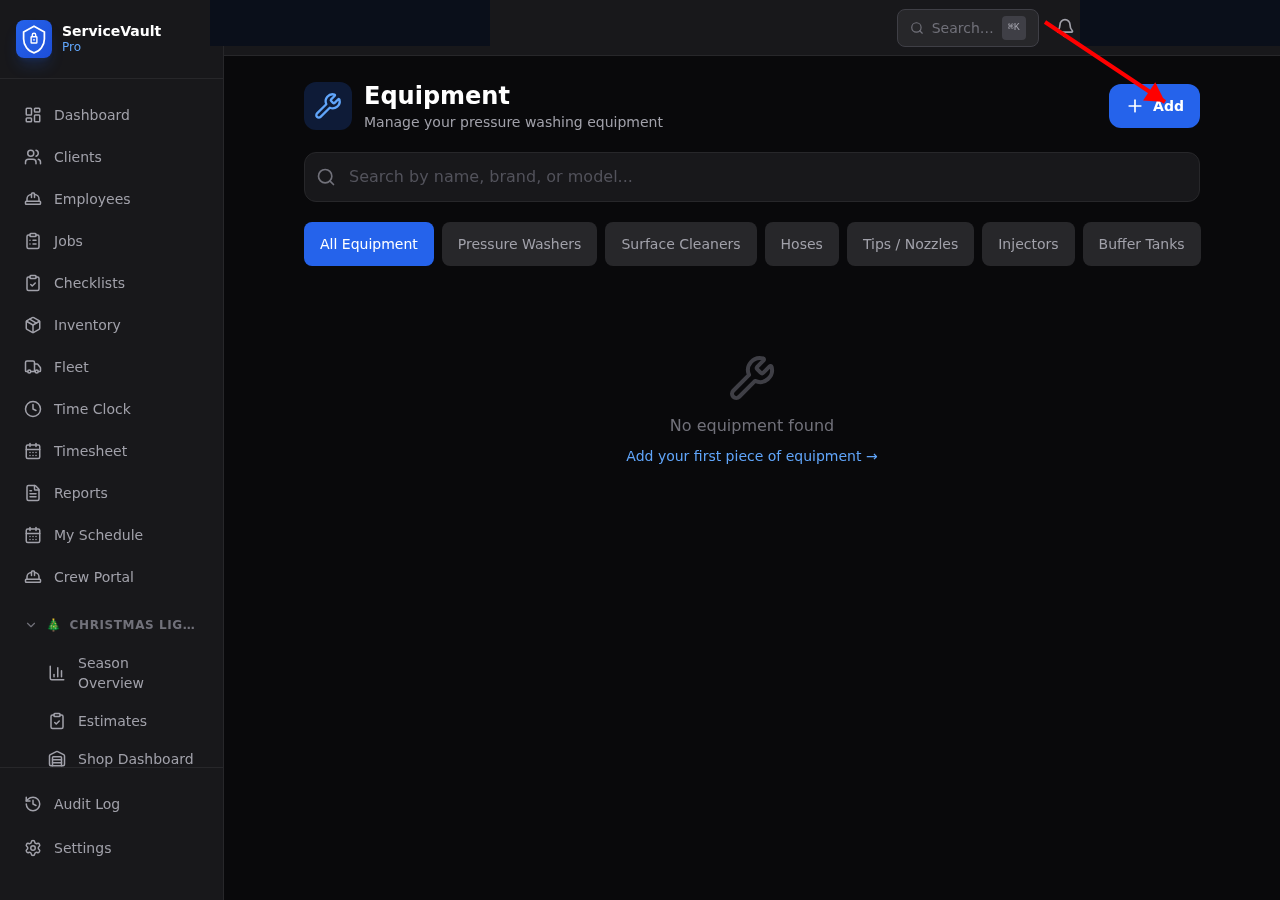
Go to Pressure Washing → Equipment to manage your gear. Supported equipment types include:
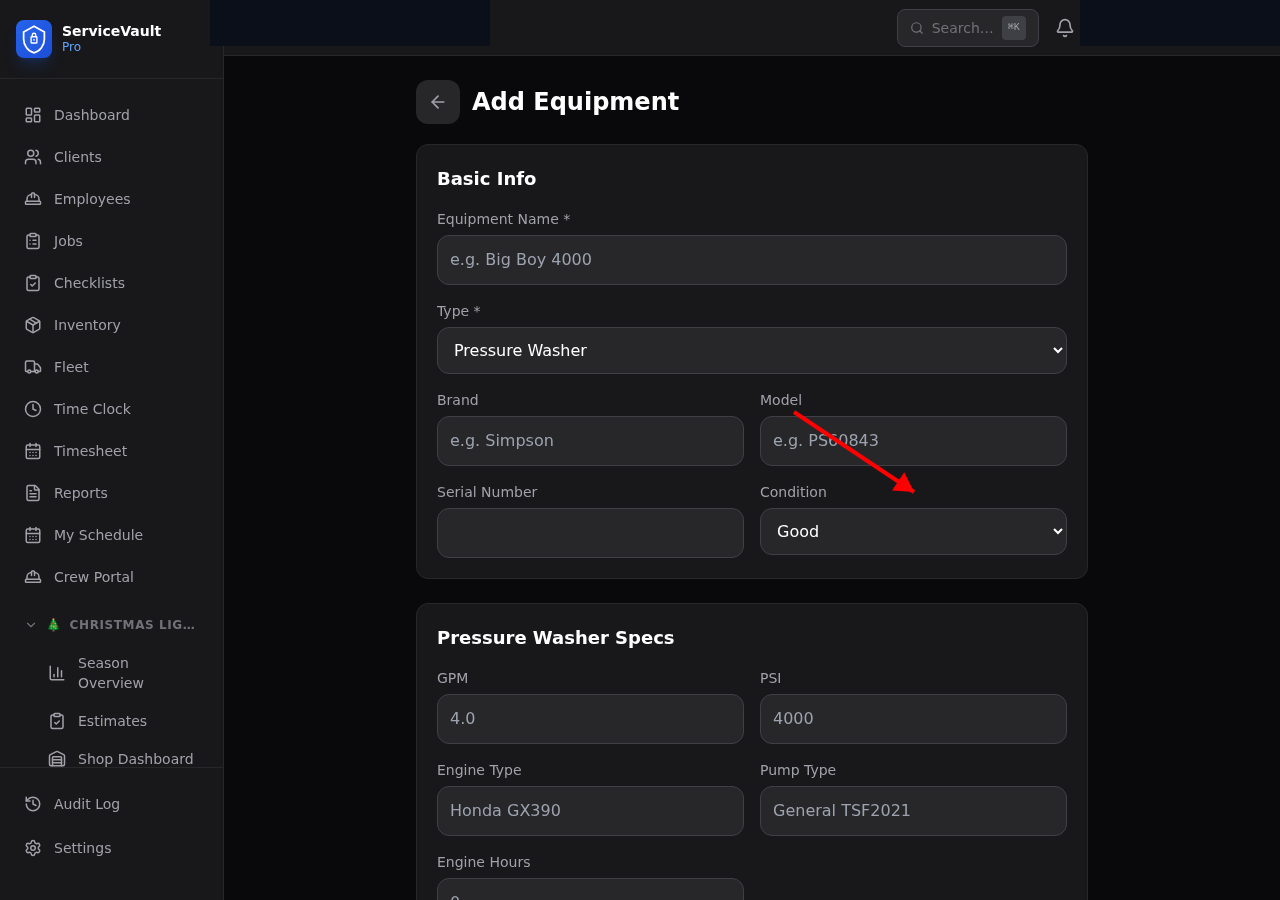
- Pressure Washers — GPM, PSI, engine type, pump brand
- Surface Cleaners — Width (inches), bar type
- Hoses — Length, diameter, max PSI rating
- Tips / Nozzles — Degree (0°, 15°, 25°, 40°, 65°), color code, orifice size
- Injectors / Down-streamers — Draw rate (%)
- Tanks — Capacity (gallons), material (poly, stainless)
Condition Tracking
Each piece of equipment has a condition status that updates as it ages or is serviced:
New → Good → Fair → Worn → Needs Repair → Out of Service
Equipment flagged as Needs Repair or Out of Service appears in dashboard alerts so nothing gets deployed in bad shape.
Maintenance Scheduling
For pressure washers, set intervals for pump maintenance and engine maintenance (by hours or date). When a service is due, the equipment card shows an alert and the item appears in the maintenance queue. Log each service with date, notes, and cost.
Vehicle Assignment
Assign equipment to a specific truck or trailer so you always know what's loaded on which rig. Click Assign Vehicle on any equipment card and select from your fleet list.