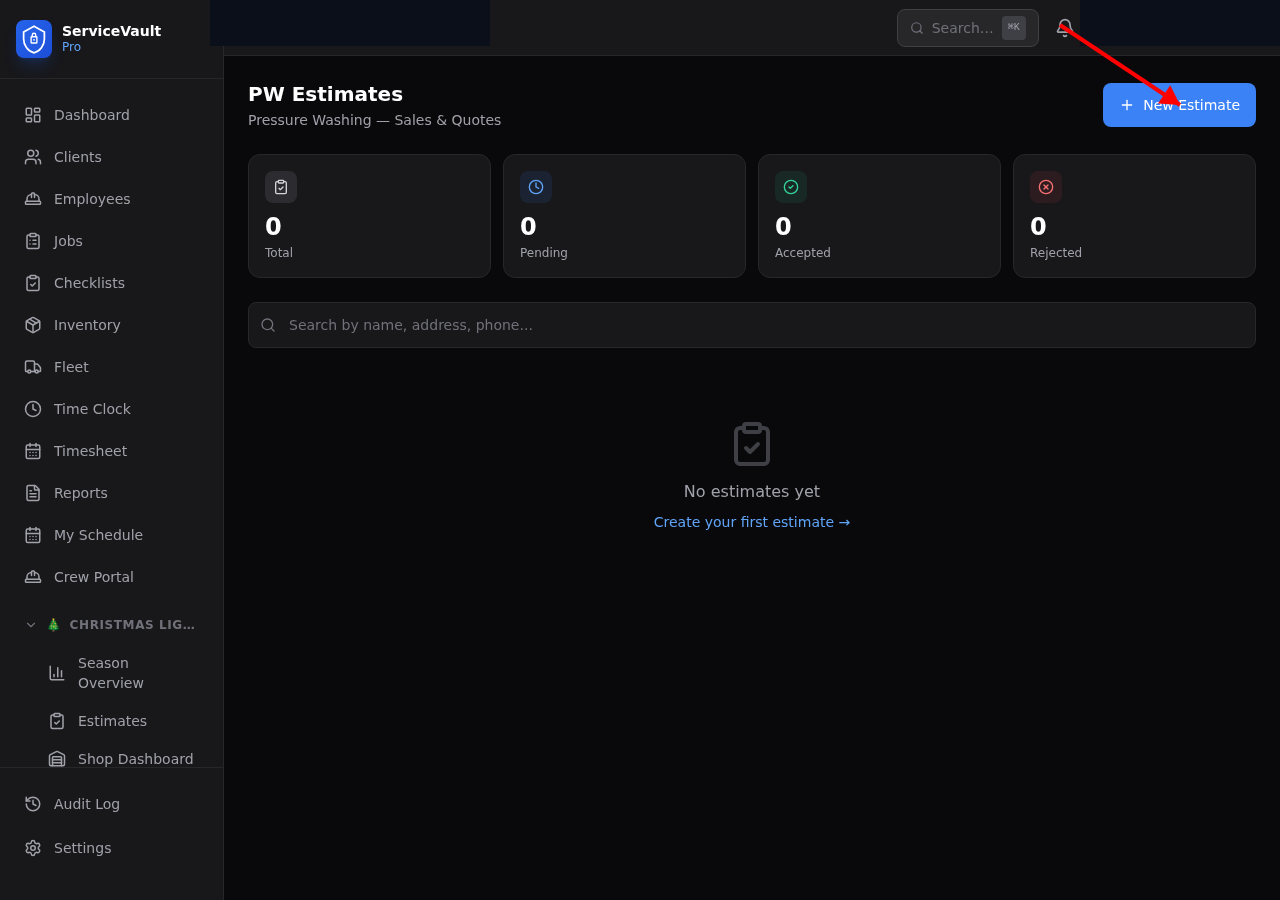
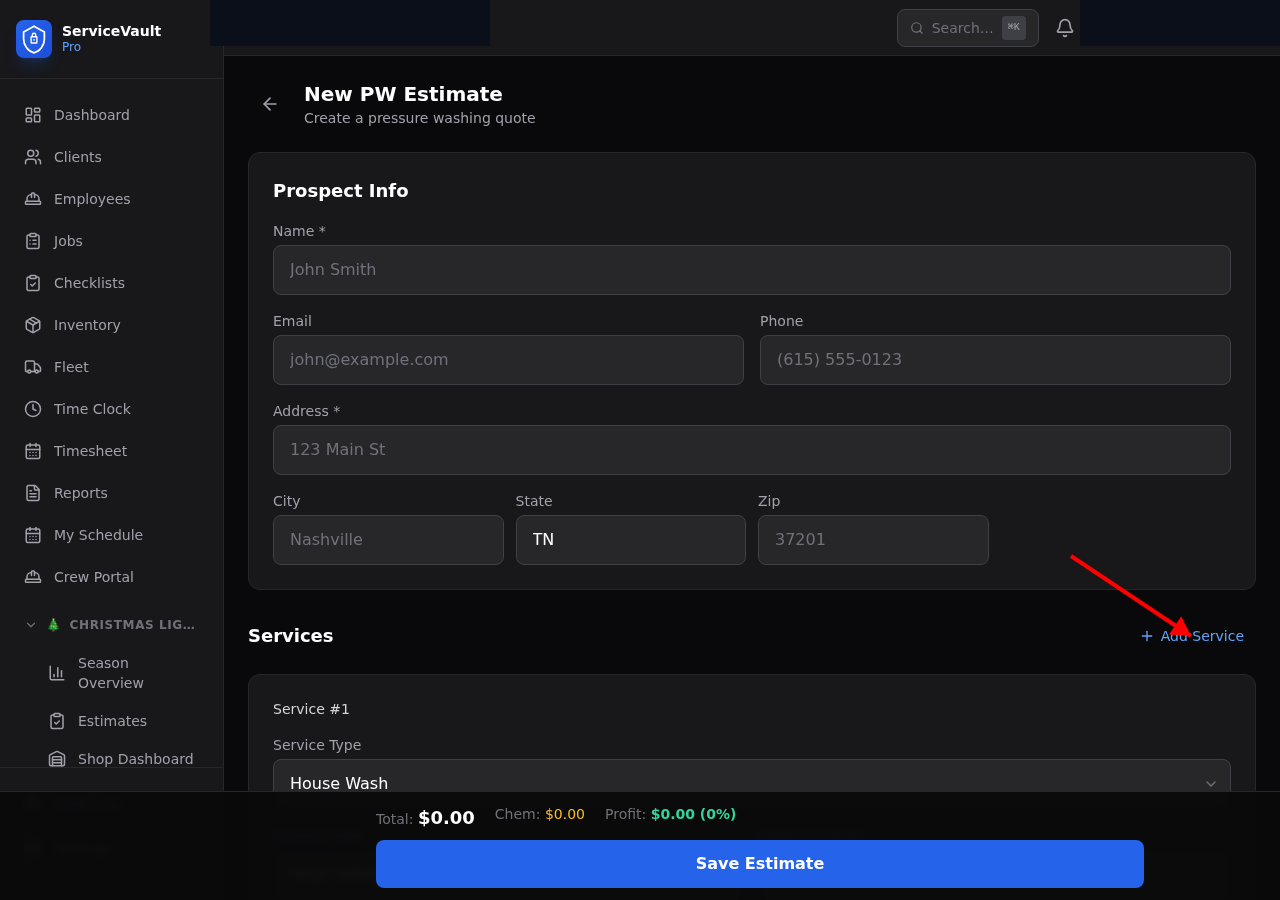
Creating a PW Estimate
- Go to Pressure Washing → Estimates and click New Estimate
- Select or search for the client (or create a new one)
- Enter the service address and any notes
- Click Add Service to begin building the quote
Multi-Surface Quotes
A single estimate can include multiple surface types — for example, a house wash, driveway, patio, and fence all in one quote. For each service, select the surface type, enter the square footage, and the price calculates automatically based on your sq ft rates.
Pricing by Surface Type
Default pricing rates per square foot are set in Settings → PW Pricing. You can override the price on any individual line item within an estimate.
Chemical Cost Estimates
Based on the square footage and surface type, the estimate automatically calculates the estimated chemical cost for the job. This helps you verify margin before sending the quote.
Accept / Decline per Service
Clients or your team can accept or decline individual services within an estimate. This lets a client take the house wash but skip the driveway without creating a new estimate.
Before / After Photos
Attach before photos at estimate time and after photos post-job. These flow into the client's service history and can be used for marketing with client permission.
Converting to a Client
If the estimate is for a prospect, click Convert to Client after acceptance to create a full client record with the property details pre-filled.