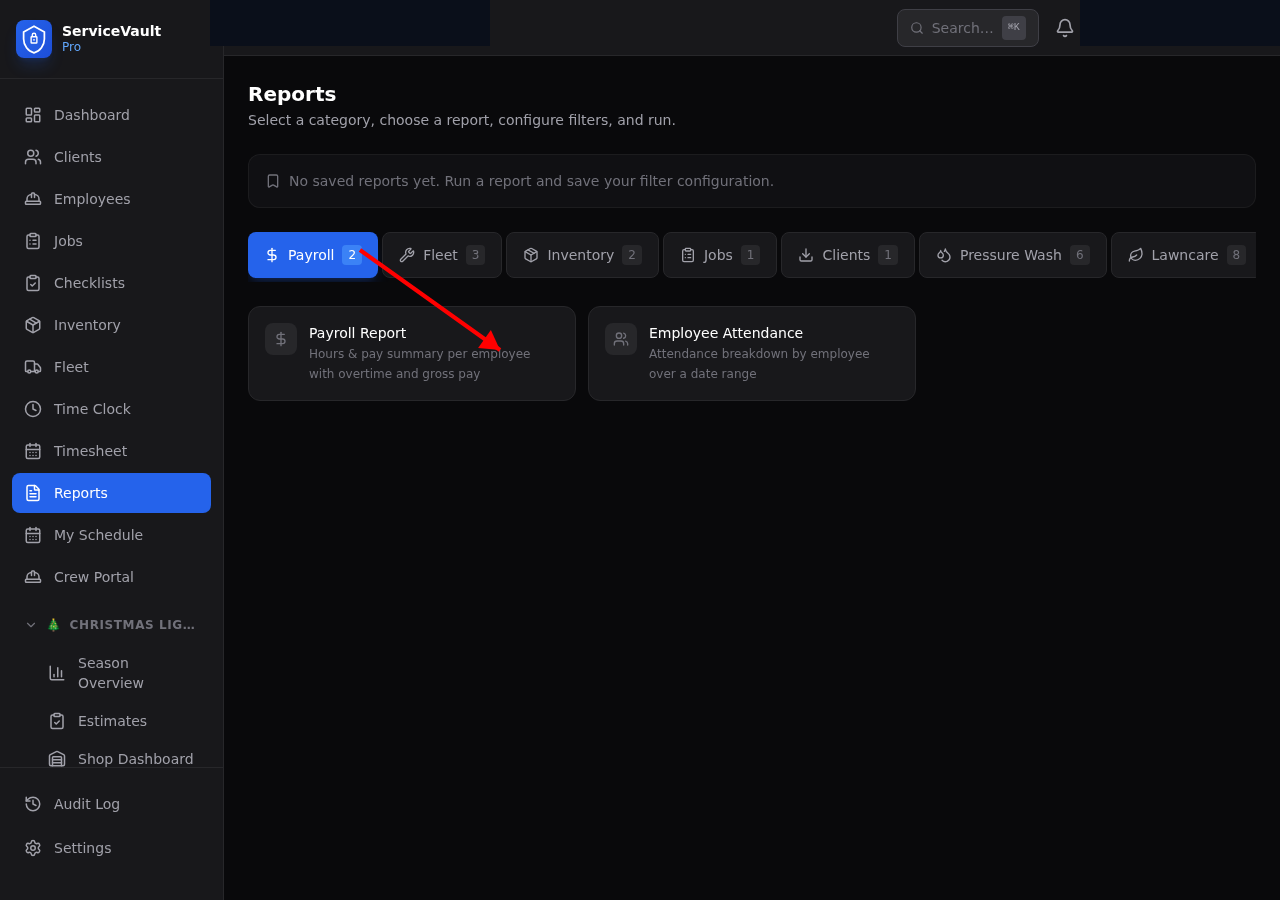
Accessing PW Reports
Go to Reports in the sidebar, then click the Pressure Wash tab. You'll see report cards for each available report. Click a card, set your filters, and click Run Report.
Available Reports
Chemical Usage
Breaks down chemical consumption by job, month, or crew member. Identify which jobs consume the most chemical and spot usage anomalies that may indicate mixing inefficiency or waste.
Cost Per Sq Ft
Calculates your actual chemical and labor cost per square foot by service type (house wash, driveway, roof, etc.). Use this to validate your pricing and identify which service types are most or least profitable.
Equipment Maintenance Cost
Shows total maintenance spend per machine over a date range. Helps you decide when a machine has cost more to maintain than it's worth and should be replaced.
Revenue by Service Type
Shows total revenue broken down by PW service type. Quickly see which services generate the most income and where to focus sales efforts.
Chemical Cost Trends
Monthly cost trend lines for your primary chemicals (SH, surfactant). Spot seasonal spikes and track whether your chemical spend is growing in proportion to revenue.
SH Strength Tracker
Lists all SH inventory with estimated current strength based on purchase date and original strength. Helps you use older stock first and know when SH is too weak to be effective.
CSV Export
Every PW report includes a CSV button. Click it after running a report to download the full dataset for use in Excel, Google Sheets, or your accounting software.